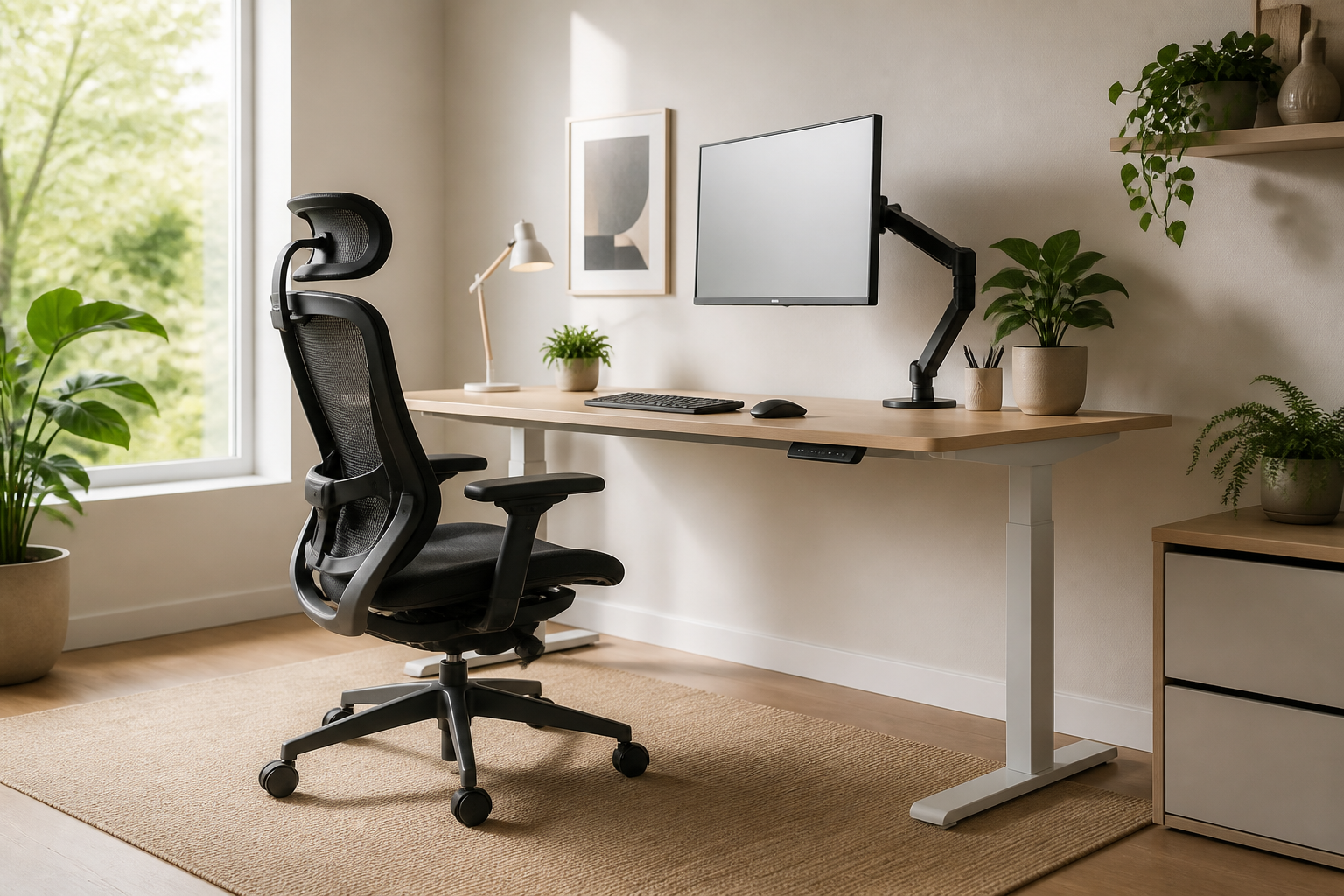
Investing in high-quality furniture is a great first step, but a truly ergonomic home office setup requires precise fine-tuning. Many remote professionals still suffer from neck strain and fatigue because they neglect the small, micro-adjustments that make a massive difference. To unlock the full health benefits of your workspace, you need to look beyond the price tags of your furniture and focus on your body’s daily alignment.
Perfecting Your Screen and Eye Alignment
Your monitor position dictates your entire upper-body posture. In a proper ergonomic home office setup, the top third of your screen should sit directly at eye level when you look straight ahead. If you have to tilt your chin up or down, your neck muscles will quickly fatigue. Keep the screen about an arm’s length away, and tilt it backward slightly (about 10 to 20 degrees) to match your natural downward gaze.
The Golden Angles for Elbows and Wrists
Proper arm support is crucial to prevent repetitive strain injuries. Your desk and chair armrests should allow your elbows to bend at a comfortable 90-to-110-degree angle, keeping your forearms parallel to the floor. Avoid tilting your keyboard upward; a flat or slightly negative tilt is much safer for your wrists. Ensure your mouse rests close enough to your body that you do not have to stretch your arm to reach it.
Supporting Your Feet and Lumbar Curve
Even the best ergonomic chair won’t protect your back if your lower body is unsupported. Adjust your chair height so your feet rest flat on the floor, keeping your thighs parallel to the ground. If your feet dangle or your knees are lower than your hips, use a footrest. Additionally, position the lumbar support of your chair directly in the curve of your lower back to prevent slouching as afternoon fatigue sets in.
Conclusion: Keep Your Setup Dynamic
Ultimately, a perfect ergonomic home office setup is not static. Small tweaks throughout the day, combined with short standing or stretching breaks, are essential to keep your body feeling its best. By taking ten minutes to implement these micro-adjustments today, you will protect your health, boost your productivity, and get the absolute most out of your workspace investment.
Leave a Reply