Author: Sarah Jenkins

  • Ergonomic Home Office Setup for Small Spaces

    Ergonomic Home Office Setup for Small Spaces

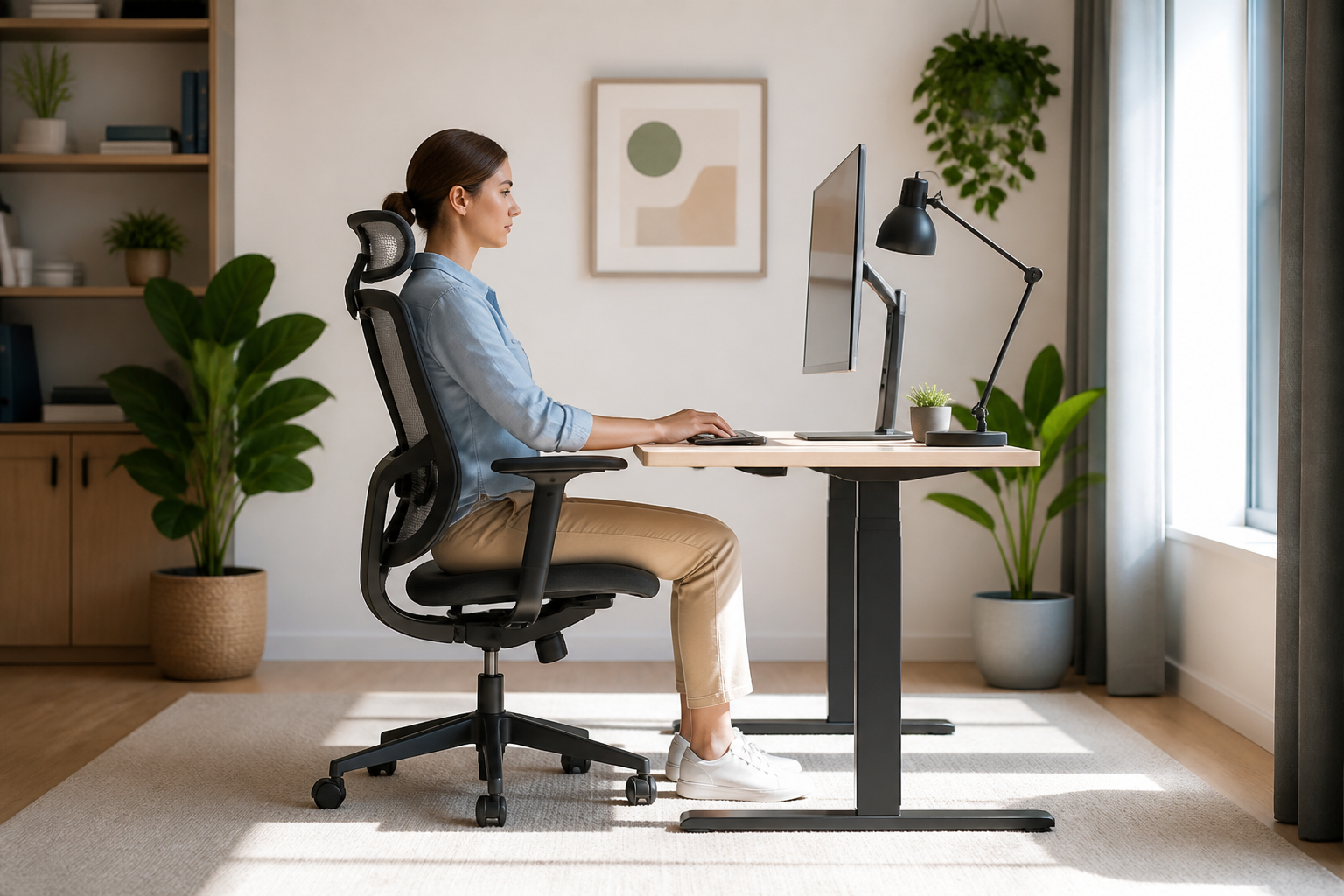
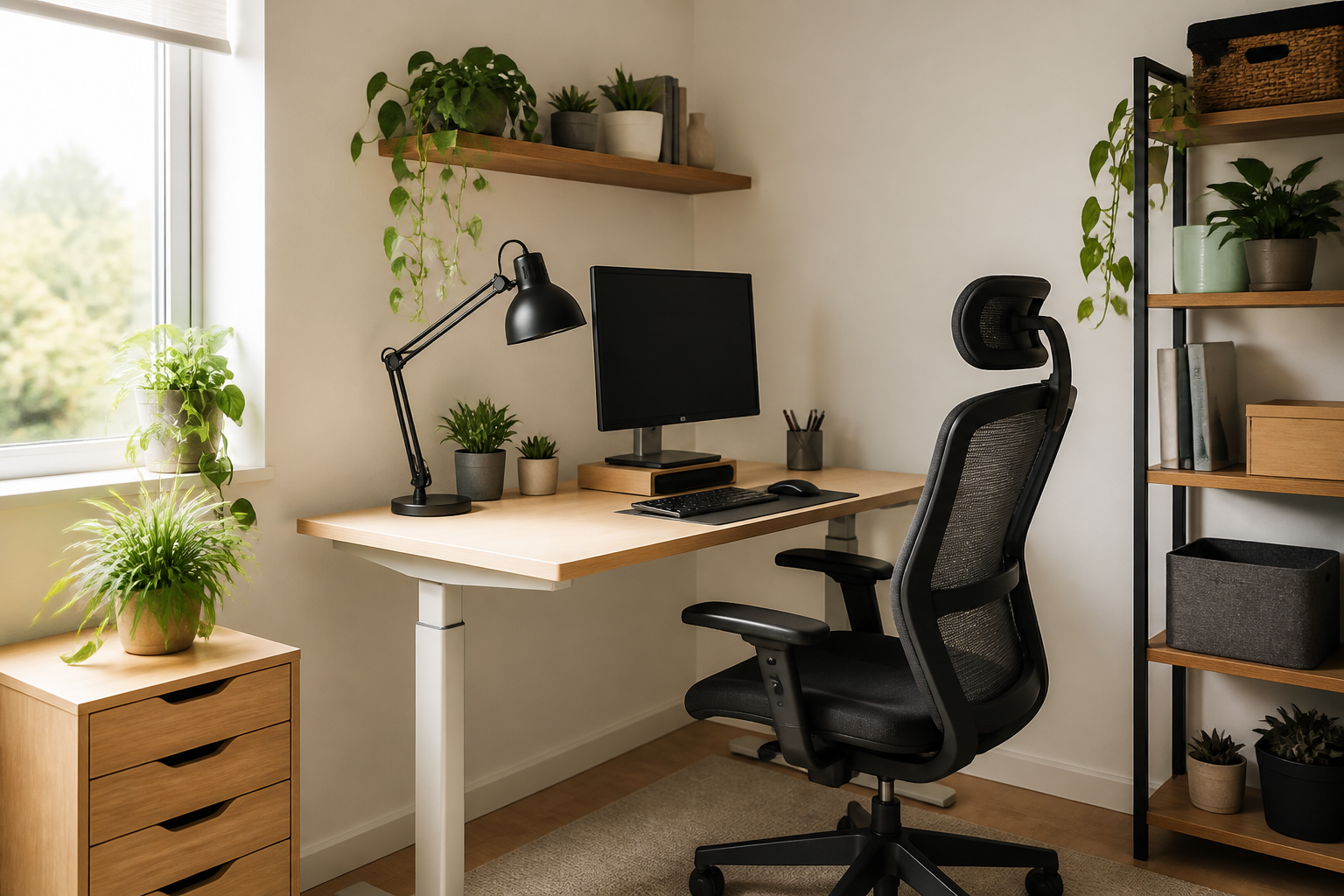
    Living in a cozy apartment shouldn’t mean sacrificing your physical well-being. Creating an efficient ergonomic home office setup in a limited space is entirely possible with the right approach. By choosing multi-functional furniture and optimizing your layout, you can prevent back pain and boost productivity without needing a dedicated extra room.

    Choose Compact and Adjustable Furniture

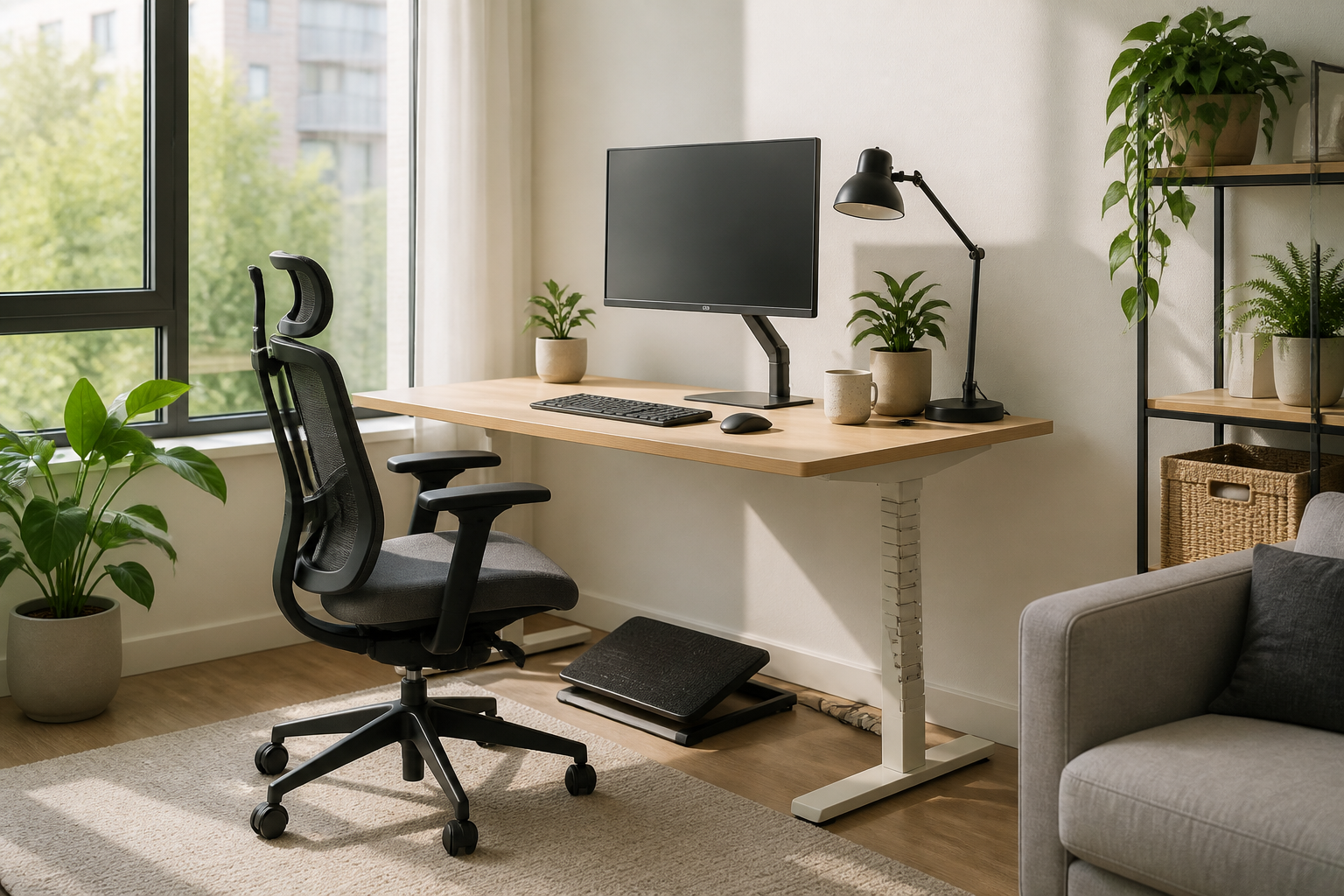
    When square footage is tight, look for compact furniture that adapts to your body. A small standing desk converter or a wall-mounted drop-leaf desk can save valuable floor space. Pair it with a highly adjustable, slim-profile ergonomic chair that can easily tuck under the desk when your workday is done.

    Leverage Monitor Arms and Vertical Space

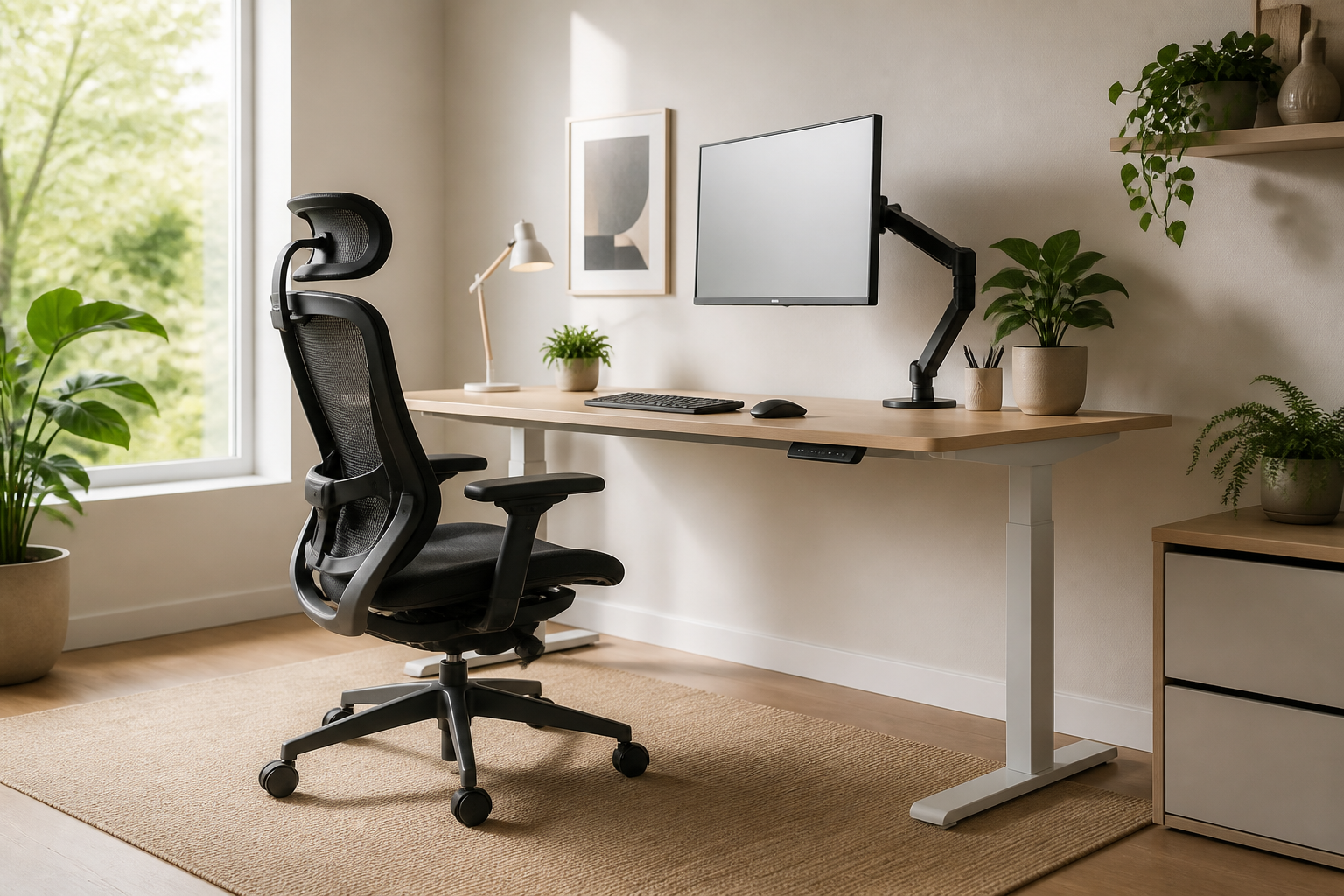
    To keep your neck aligned and your desk clutter-free, elevate your screen. Using an adjustable monitor arm allows you to position your screen at eye level while freeing up desk real estate. This simple adjustment is a cornerstone of a healthy ergonomic home office setup, ensuring you do not hunch forward while typing.

    Incorporate Active Ergonomics

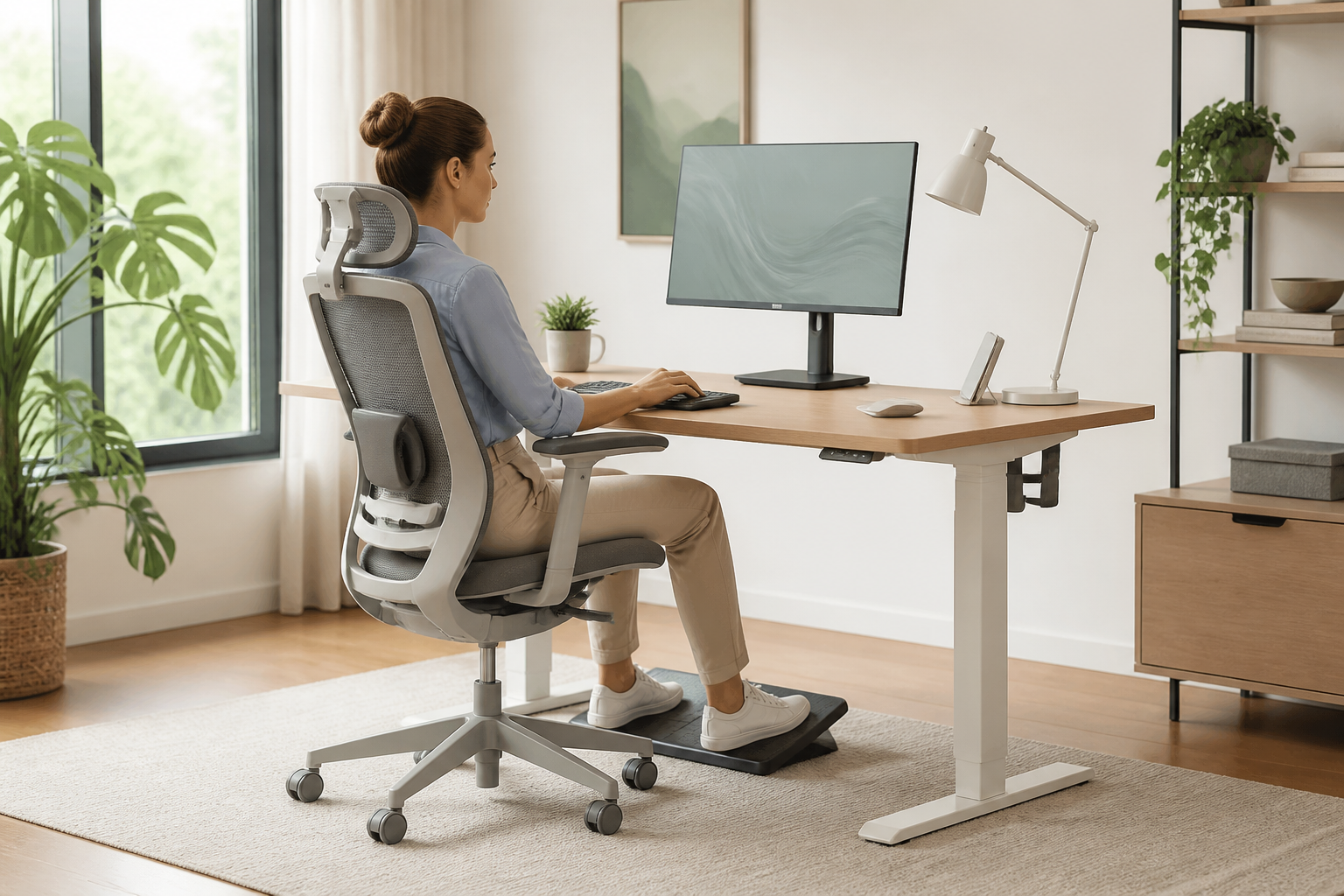
    Small spaces can limit your movement throughout the day, making active ergonomics even more crucial. Consider a balance cushion for your chair or a compact under-desk footrest to encourage blood circulation. Taking micro-breaks to stretch or using a foldable walking pad can also keep you active during long working hours.

    Conclusion: Prioritize Comfort Over Size

    Ultimately, a successful ergonomic home office setup is not about the size of your room, but how well your workspace supports your body. By implementing smart, space-saving furniture and maintaining proper posture, you can create a healthy and highly productive work environment in any corner of your home.
  • Active Ergonomic Home Office Setup for Better Health

    Active Ergonomic Home Office Setup for Better Health

    Most advice about creating an ergonomic home office setup focuses on static posture: keeping your elbows at ninety degrees and your eyes level with the screen. While this is a great foundation, staying frozen in one position all day—no matter how correct—leads to stiffness and fatigue. True comfort lies in active ergonomics, which encourages micro-movements throughout your workday to keep your muscles engaged and blood flowing.

    Embrace Active Sitting

    An active ergonomic home office setup starts with how you sit. Instead of a traditional rigid chair, consider ergonomic chairs designed with dynamic backrests that move with you, or even active sitting stools. These stools require minor core engagements to stay balanced, preventing the slumping that naturally occurs during long typing sessions. By engaging your core, you reduce spinal pressure and keep your energy levels high.

    Master the Sit-Stand Transition

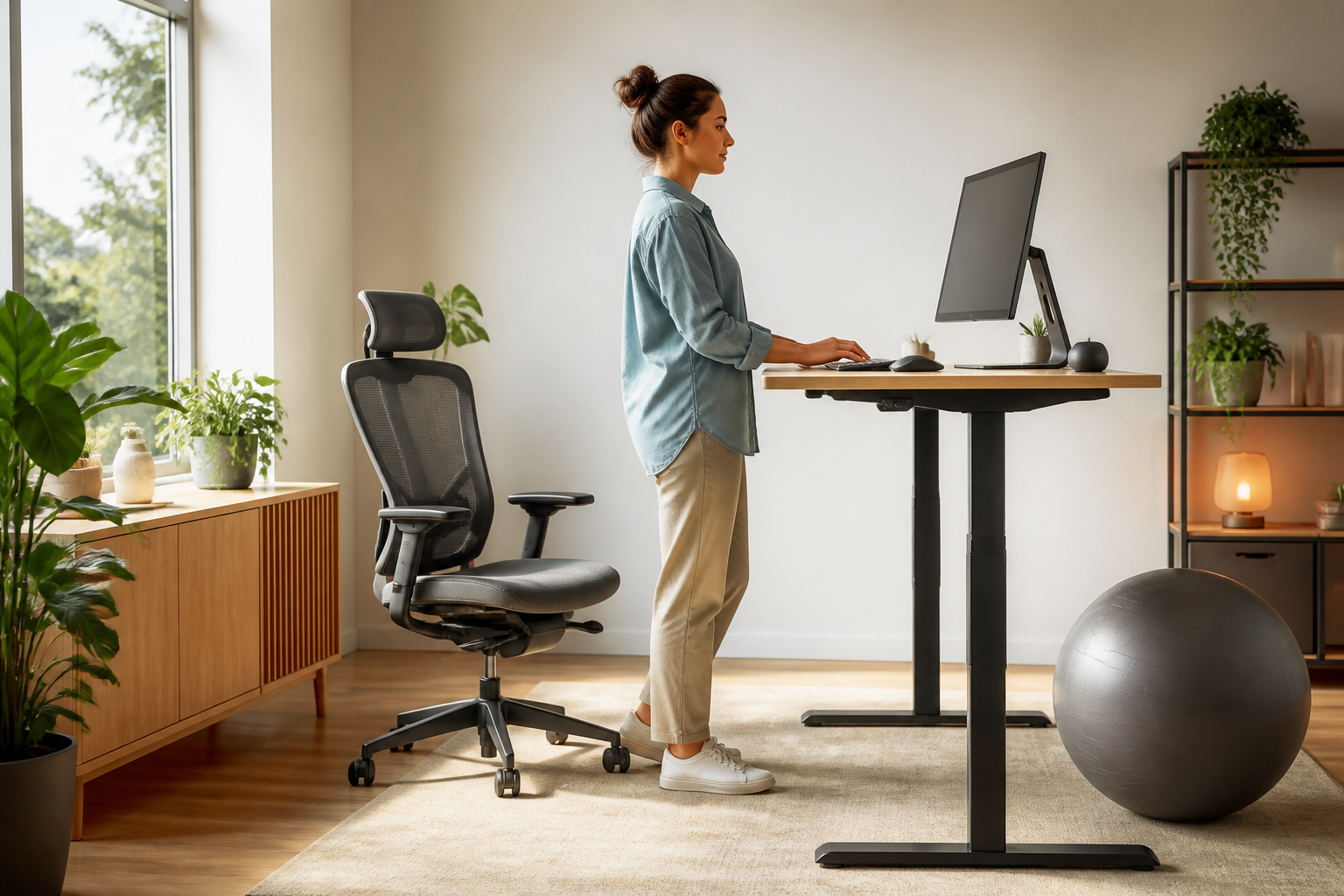
    A height-adjustable desk is a game-changer, but only if used correctly. Standing still for eight hours is just as harmful as sitting still. The key to a healthy ergonomic home office setup is alternation. Aim to transition between sitting and standing every thirty to forty-five minutes. This constant variation keeps your cardiovascular system active, relieves pressure on your lower back, and keeps your mind sharp.

    Integrate Movement Accessories

    To take your setup to the next level, incorporate tools that force subtle physical adjustments. Anti-fatigue mats with raised features encourage your feet to stretch and shift weight while standing. Alternatively, a simple balance board under your desk keeps your ankles and calves active. These small accessories ensure that your body is never truly static, making your workday feel significantly less tiring.

    Conclusion

    Designing the ultimate ergonomic home office setup isn’t about finding a single perfect position; it’s about building a space that moves with you. By investing in dynamic furniture and committing to regular posture transitions, you will protect your physical health and boost your daily productivity.

  • Micro-Adjust Your Ergonomic Home Office Setup

    Micro-Adjust Your Ergonomic Home Office Setup

    Investing in high-quality furniture is a great first step, but a truly ergonomic home office setup requires precise fine-tuning. Many remote professionals still suffer from neck strain and fatigue because they neglect the small, micro-adjustments that make a massive difference. To unlock the full health benefits of your workspace, you need to look beyond the price tags of your furniture and focus on your body’s daily alignment.

    Perfecting Your Screen and Eye Alignment

    Your monitor position dictates your entire upper-body posture. In a proper ergonomic home office setup, the top third of your screen should sit directly at eye level when you look straight ahead. If you have to tilt your chin up or down, your neck muscles will quickly fatigue. Keep the screen about an arm’s length away, and tilt it backward slightly (about 10 to 20 degrees) to match your natural downward gaze.

    The Golden Angles for Elbows and Wrists

    Proper arm support is crucial to prevent repetitive strain injuries. Your desk and chair armrests should allow your elbows to bend at a comfortable 90-to-110-degree angle, keeping your forearms parallel to the floor. Avoid tilting your keyboard upward; a flat or slightly negative tilt is much safer for your wrists. Ensure your mouse rests close enough to your body that you do not have to stretch your arm to reach it.

    Supporting Your Feet and Lumbar Curve

    Even the best ergonomic chair won’t protect your back if your lower body is unsupported. Adjust your chair height so your feet rest flat on the floor, keeping your thighs parallel to the ground. If your feet dangle or your knees are lower than your hips, use a footrest. Additionally, position the lumbar support of your chair directly in the curve of your lower back to prevent slouching as afternoon fatigue sets in.

    Conclusion: Keep Your Setup Dynamic

    Ultimately, a perfect ergonomic home office setup is not static. Small tweaks throughout the day, combined with short standing or stretching breaks, are essential to keep your body feeling its best. By taking ten minutes to implement these micro-adjustments today, you will protect your health, boost your productivity, and get the absolute most out of your workspace investment.

  • Minimalist Ergonomic Home Office Setup for Small Apartments

    Minimalist Ergonomic Home Office Setup for Small Apartments

    Working from home offers incredible flexibility, but tight quarters can make it difficult to prioritize your physical well-being. You do not need a sprawling spare room to protect your posture and boost your productivity. Achieving a high-performing ergonomic home office setup is entirely possible even in the smallest of apartments or multi-functional spaces with the right design strategy.

    Choosing Compact, Multi-Functional Furniture

    Traditional ergonomic chairs and bulky executive desks can quickly overwhelm a small room. Instead, look for space-saving alternatives like wall-mounted fold-down desks or compact active-standing desk converters. When selecting a chair, prioritize slim-profile models that offer robust adjustable lumbar support, ensuring they can slide completely under your desk when not in use to reclaim valuable floor space.

    Maximize Vertical Space and Monitor Alignment

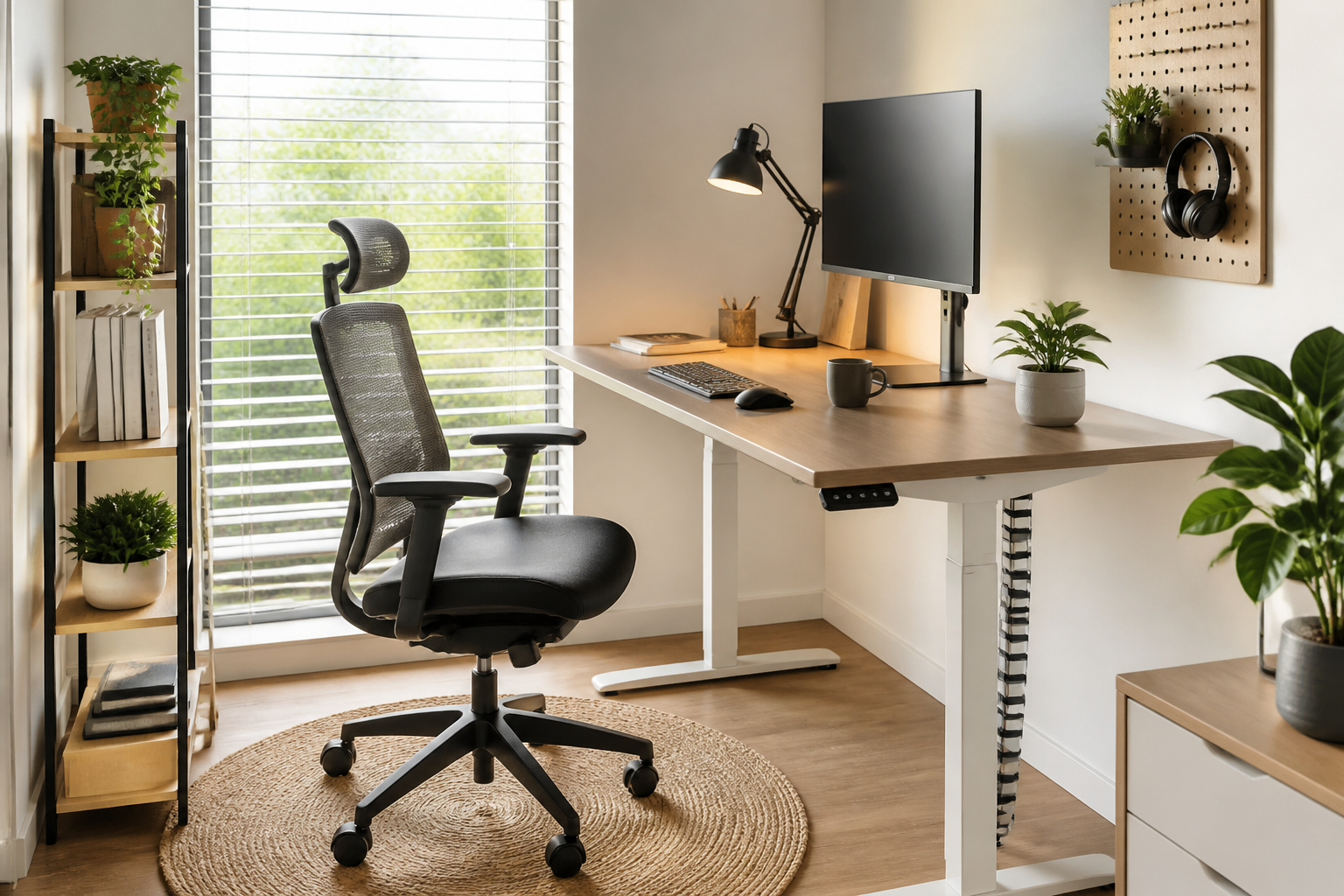
    To maintain a healthy posture without cluttering your limited desktop area, utilize vertical space. An adjustable monitor arm clamped to the back of your desk is a game-changer for a small-scale ergonomic home office setup. It allows you to position your screen perfectly at eye level—preventing neck strain—while freeing up the surface beneath for your essential tools.

    Smart Accessories for Tight Workstations

    In a restricted layout, every inch counts. Opt for wireless, compact tenkeyless keyboards and ergonomic vertical mice that reduce wrist strain without requiring a wide range of motion. Additionally, replace bulky desk lamps with a LED monitor light bar that clips directly onto your screen, providing glare-free illumination for your workspace without occupying any desk footprint.

    Conclusion

    Creating a comfortable and pain-free workspace does not require a dedicated corporate room. By choosing smart, adaptable furniture and utilizing clever spatial hacks, you can build a highly effective ergonomic home office setup that fits seamlessly into your living space. Prioritize your health today, no matter how many square feet you have to work with.

  • Dynamic Movement in an Ergonomic Home Office Setup

    Dynamic Movement in an Ergonomic Home Office Setup

    When designing an ergonomic home office setup, most people focus on finding the perfect static posture. However, the human body is built to move. True comfort and health come from active ergonomics—the practice of incorporating subtle movements into your workday to prevent stiffness and boost circulation.

    Embracing Active Seating and Desks

    To transition from a static to an active ergonomic home office setup, look beyond traditional chairs. Consider integrating sit-stand desks that allow you to change your posture throughout the day. Complement this with active seating options, such as ergonomic stools or balance ball chairs, which engage your core and encourage natural alignment.

    Small Tools for Continuous Motion

    You do not need major lifestyle changes to keep your body active while working. Simple additions like an under-desk balance board or an ergonomic footrest can stimulate lower-body circulation. These small accessories encourage micro-movements, reducing the physical strain on your lower back and joints.

    The Golden Rule of Dynamic Ergonomics

    Even with the best furniture, staying in one position for too long causes fatigue. A great rule of thumb for your ergonomic home office setup is the 20-8-2 formula: sit for 20 minutes, stand for eight, and move or stretch for two. This natural rhythm keeps your metabolism active and prevents the cognitive decline associated with prolonged sitting.

    Conclusion

    Ultimately, a successful ergonomic home office setup is not about finding one perfect sitting position, but about creating an environment that facilitates movement. By investing in dynamic furniture and committing to regular posture shifts, you will protect your health, boost your energy, and elevate your daily productivity.

  • Ergonomic Home Office Setup for Small Spaces

    Ergonomic Home Office Setup for Small Spaces

    Working from a small apartment or a shared room doesn’t mean you have to sacrifice your physical well-being. Finding the right ergonomic home office setup when space is limited requires a blend of creativity, smart furniture choices, and spatial awareness. By prioritizing compact, adjustable tools, you can protect your posture without overcrowding your living area.

    Compact Furniture for Micro-Offices

    The foundation of any ergonomic home office setup is the desk and chair. In small spaces, look for wall-mounted drop-leaf desks or compact standing desk converters that can be tucked away when the workday ends. For seating, choose a high-quality ergonomic task chair with foldable armrests and a smaller footprint, ensuring it can easily slide completely under your desk to save floor space.

    Leveraging Vertical Space and Smart Accessories

    When horizontal real estate is scarce, look upward. Utilizing a monitor arm clamped to the back of your desk frees up critical surface area while keeping your screen at eye level. Pair this with a compact external keyboard and mouse on a pull-out tray to maintain a neutral wrist position, which is a cornerstone of a healthy ergonomic home office setup.

    Multi-Functional and Portable Solutions

    If you lack a dedicated work corner, portable ergonomic accessories are your best friends. Foldable laptop stands, detachable lumbar support cushions, and rollable filing cabinets that double as side tables allow you to set up a healthy workstation anywhere. This flexibility ensures you can transition from work mode to relaxation mode instantly, keeping your home feeling like a home.

    Prioritizing Your Health in Any Square Footage

    In conclusion, a limited footprint should never prevent you from working comfortably and pain-free. By investing in multi-functional furniture, utilizing vertical space, and choosing highly adjustable accessories, you can create a highly effective ergonomic home office setup in even the smallest of rooms. Your body will thank you for making posture a priority, no matter how much space you have.

  • Ergonomic Home Office Setup for Small Spaces

    Ergonomic Home Office Setup for Small Spaces

    Working from home has become the norm, but not everyone has a spare room to dedicate to a sprawling workspace. If you are operating from a cozy apartment or a shared bedroom, creating an efficient workspace can feel challenging. However, tight quarters should never compromise your physical well-being. Achieving a healthy ergonomic home office setup is entirely possible even in the smallest of spaces with the right strategy.

    Choosing Space-Saving Ergonomic Furniture

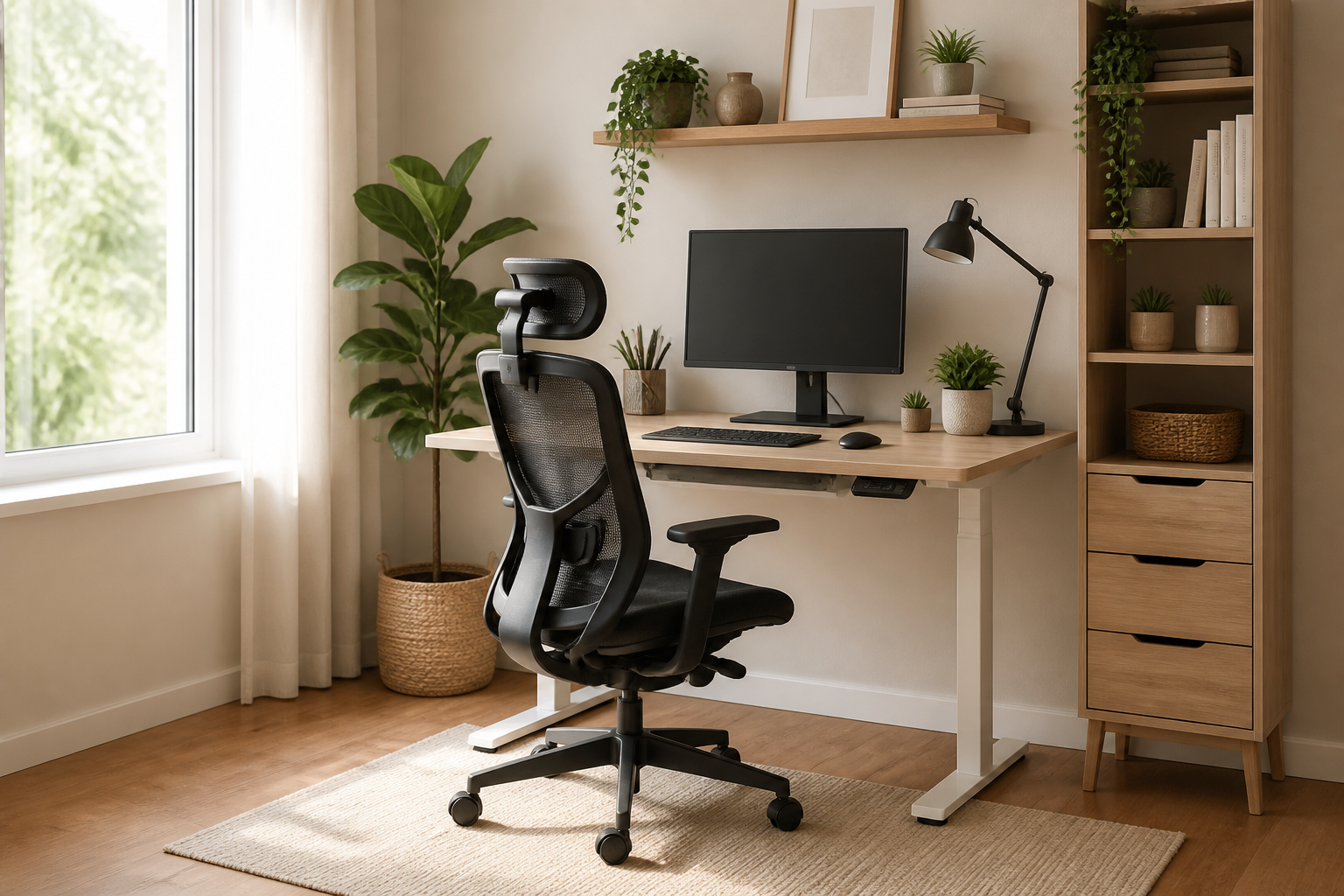
    When square footage is limited, bulky executive chairs and massive mahogany desks are out of the question. Instead, look for compact, multi-functional furniture designed for efficiency. A wall-mounted drop-leaf desk or a slim, height-adjustable standing desk can easily fit into a corner. Pair this with a high-quality ergonomic task chair that features a mesh back and flip-up armrests, allowing you to slide the chair completely under the desk when not in use.

    Optimizing Vertical Space and Monitor Placement

    In a small ergonomic home office setup, clutter is the enemy of productivity and proper posture. To keep your desk clear and your neck aligned, utilize vertical space. Installing a gas-spring monitor arm clamped to the back of your desk allows you to lift your screen to eye level without losing valuable desktop real estate. This ensures your neck remains in a neutral position while freeing up space below for your keyboard and mouse.

    The Importance of Active Ergonomics

    In restricted spaces, you might not have room to walk around easily during breaks. This makes active ergonomics crucial. Consider using an under-desk balance board or an active sitting stool that encourages micro-movements throughout the day. These small tools stimulate blood circulation and engage your core, preventing the stiffness and fatigue often associated with prolonged sitting in cramped environments.

    Conclusion

    Your health should never be a casualty of limited square footage. By selecting compact, adjustable furniture, utilizing monitor mounts to save desk space, and integrating movement into your routine, you can build a highly effective ergonomic home office setup. With these smart adjustments, even the smallest corner of your home can become a powerhouse of comfort and productivity.

  • Dynamic Ergonomic Home Office Setup for Active Workers

    Dynamic Ergonomic Home Office Setup for Active Workers

    Creating a truly healthy workspace goes beyond simply buying a good chair; it requires a dynamic ergonomic home office setup designed to encourage movement. While traditional ergonomics focuses on maintaining a static, perfect posture, modern research shows that staying in any single position for too long leads to fatigue and muscle strain. By transitioning to an active workspace, you can keep your energy high and protect your body from the dangers of sedentary behavior.

    The Power of Alternating: Sit-Stand Dynamics

    The cornerstone of an active ergonomic home office setup is a high-quality sit-stand desk. However, the secret lies not just in standing, but in alternating between positions. Aim for a ratio of 45 minutes of sitting followed by 15 minutes of standing. When standing, ensure your keyboard remains at elbow height and your wrists are straight. This continuous variation keeps your circulation flowing and reduces pressure on your lower back.

    Active Seating and Ergonomic Footrests

    When you do sit, traditional chairs can sometimes cradle you into passivity. Active seating options, such as ergonomic stools or balance ball chairs, engage your core muscles and promote micro-movements throughout the day. If you prefer a standard ergonomic chair, pairing it with an active footrest can help you rock your feet, which stimulates blood flow in your legs and prevents stiffness during long focus sessions.

    Designing for Daily Micro-Movements

    To maximize the benefits of your dynamic workspace, intentionally design your environment to force small movements. Place your water bottle or printer just out of arm’s reach, requiring you to stretch or stand up briefly to access them. Additionally, pair your physical adjustments with mental breaks, such as the 20-20-20 rule, to rest your eyes and stretch your neck muscles periodically.

    Conclusion: A Moving Workspace is a Healthy Workspace

    Ultimately, the best ergonomic home office setup is one that never keeps you still for too long. By combining sit-stand furniture, active seating, and conscious movement habits, you transform your workspace from a static cockpit into a healthy, fluid environment. Invest in tools that support motion, and your body will thank you with increased focus and pain-free productivity.