Category: Uncategorized

  • Ergonomic Home Office Setup for Small Spaces

    Ergonomic Home Office Setup for Small Spaces

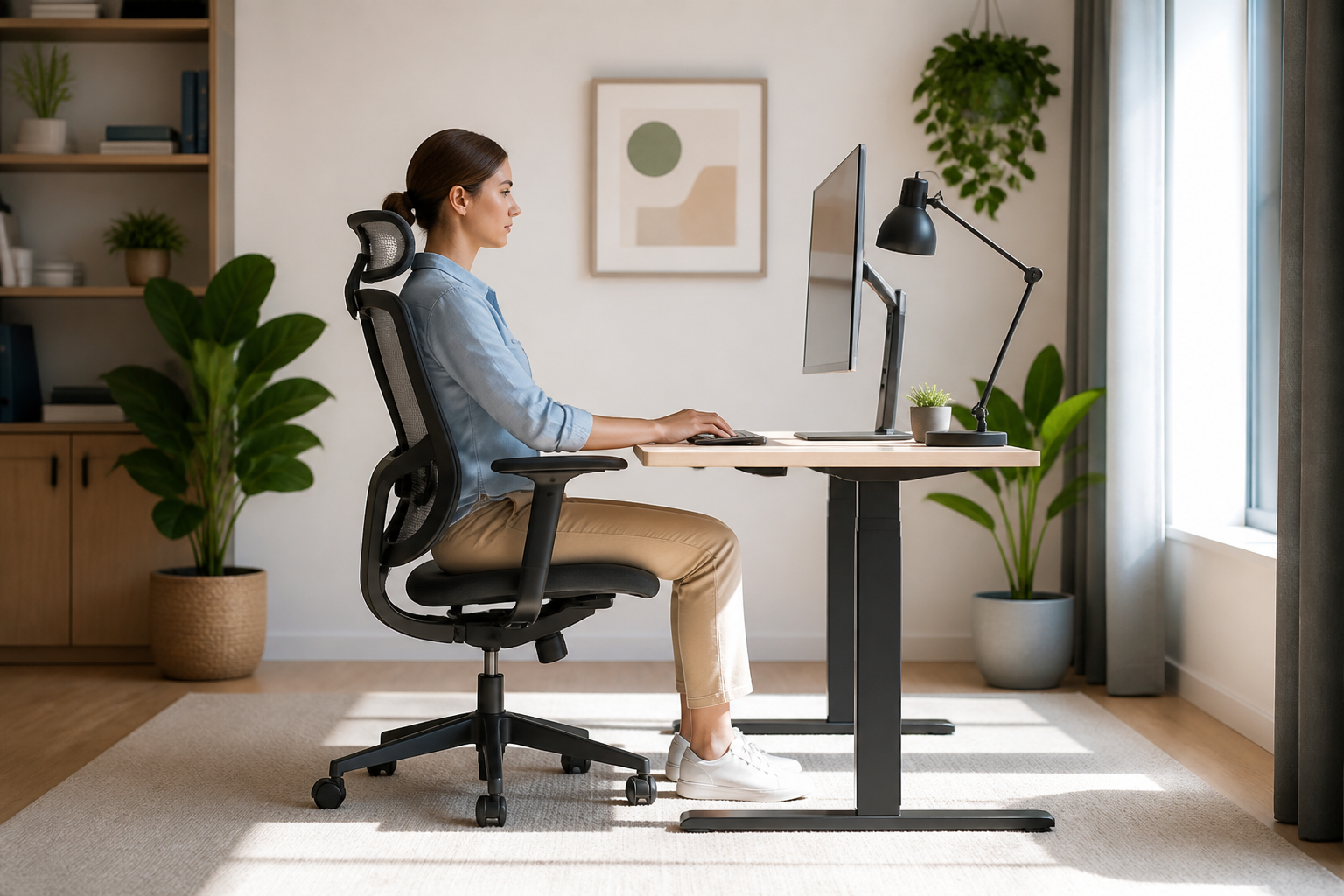
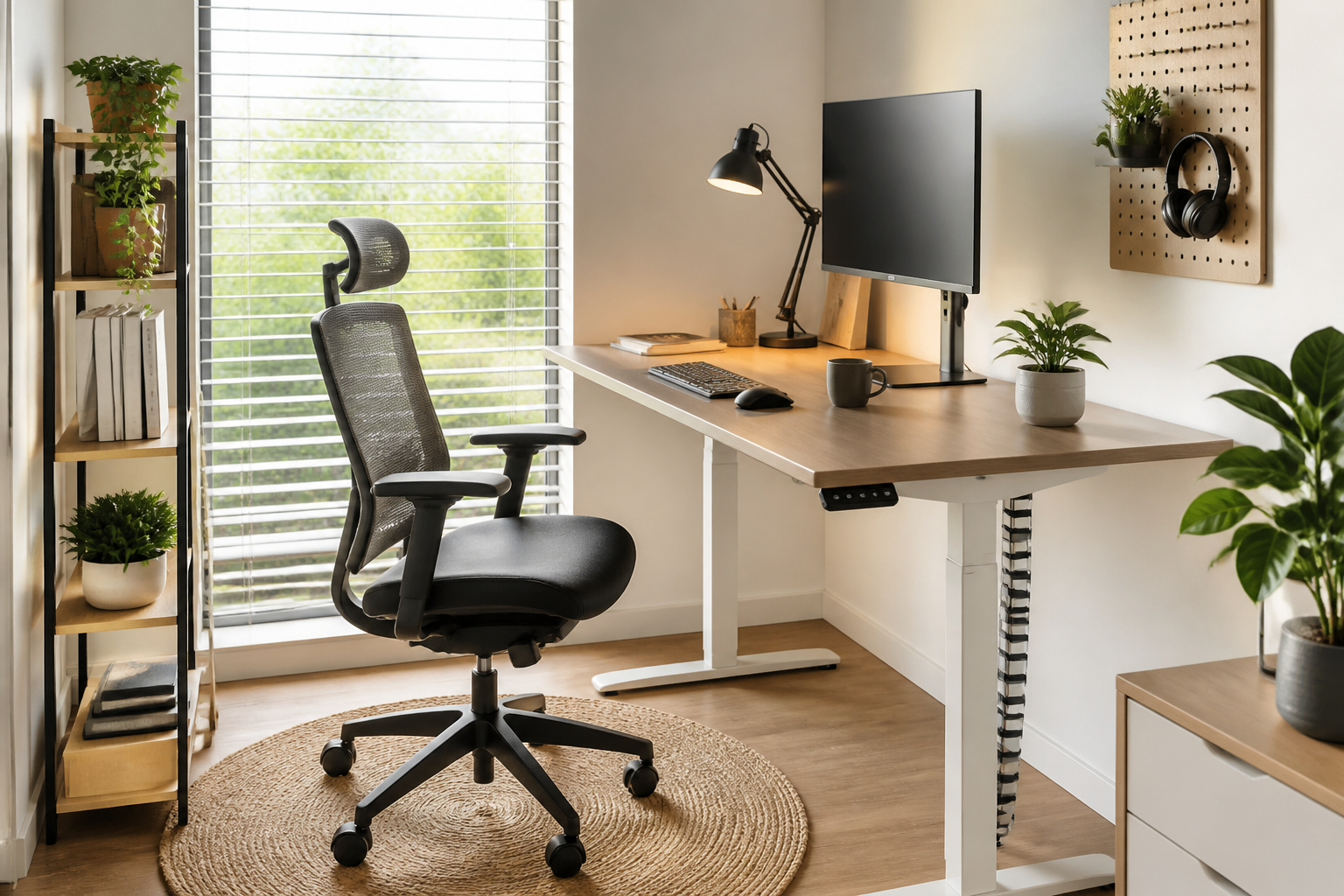
    Working from home has become the norm, but not everyone has a spare room to dedicate to a sprawling workspace. If you are operating from a cozy apartment or a shared bedroom, creating an efficient workspace can feel challenging. However, tight quarters should never compromise your physical well-being. Achieving a healthy ergonomic home office setup is entirely possible even in the smallest of spaces with the right strategy.

    Choosing Space-Saving Ergonomic Furniture

    When square footage is limited, bulky executive chairs and massive mahogany desks are out of the question. Instead, look for compact, multi-functional furniture designed for efficiency. A wall-mounted drop-leaf desk or a slim, height-adjustable standing desk can easily fit into a corner. Pair this with a high-quality ergonomic task chair that features a mesh back and flip-up armrests, allowing you to slide the chair completely under the desk when not in use.

    Optimizing Vertical Space and Monitor Placement

    In a small ergonomic home office setup, clutter is the enemy of productivity and proper posture. To keep your desk clear and your neck aligned, utilize vertical space. Installing a gas-spring monitor arm clamped to the back of your desk allows you to lift your screen to eye level without losing valuable desktop real estate. This ensures your neck remains in a neutral position while freeing up space below for your keyboard and mouse.

    The Importance of Active Ergonomics

    In restricted spaces, you might not have room to walk around easily during breaks. This makes active ergonomics crucial. Consider using an under-desk balance board or an active sitting stool that encourages micro-movements throughout the day. These small tools stimulate blood circulation and engage your core, preventing the stiffness and fatigue often associated with prolonged sitting in cramped environments.

    Conclusion

    Your health should never be a casualty of limited square footage. By selecting compact, adjustable furniture, utilizing monitor mounts to save desk space, and integrating movement into your routine, you can build a highly effective ergonomic home office setup. With these smart adjustments, even the smallest corner of your home can become a powerhouse of comfort and productivity.
  • Smart Lighting Guide for Digital Eye Strain Prevention

    Smart Lighting Guide for Digital Eye Strain Prevention

    Optimizing Your Workspace for Visual Comfort

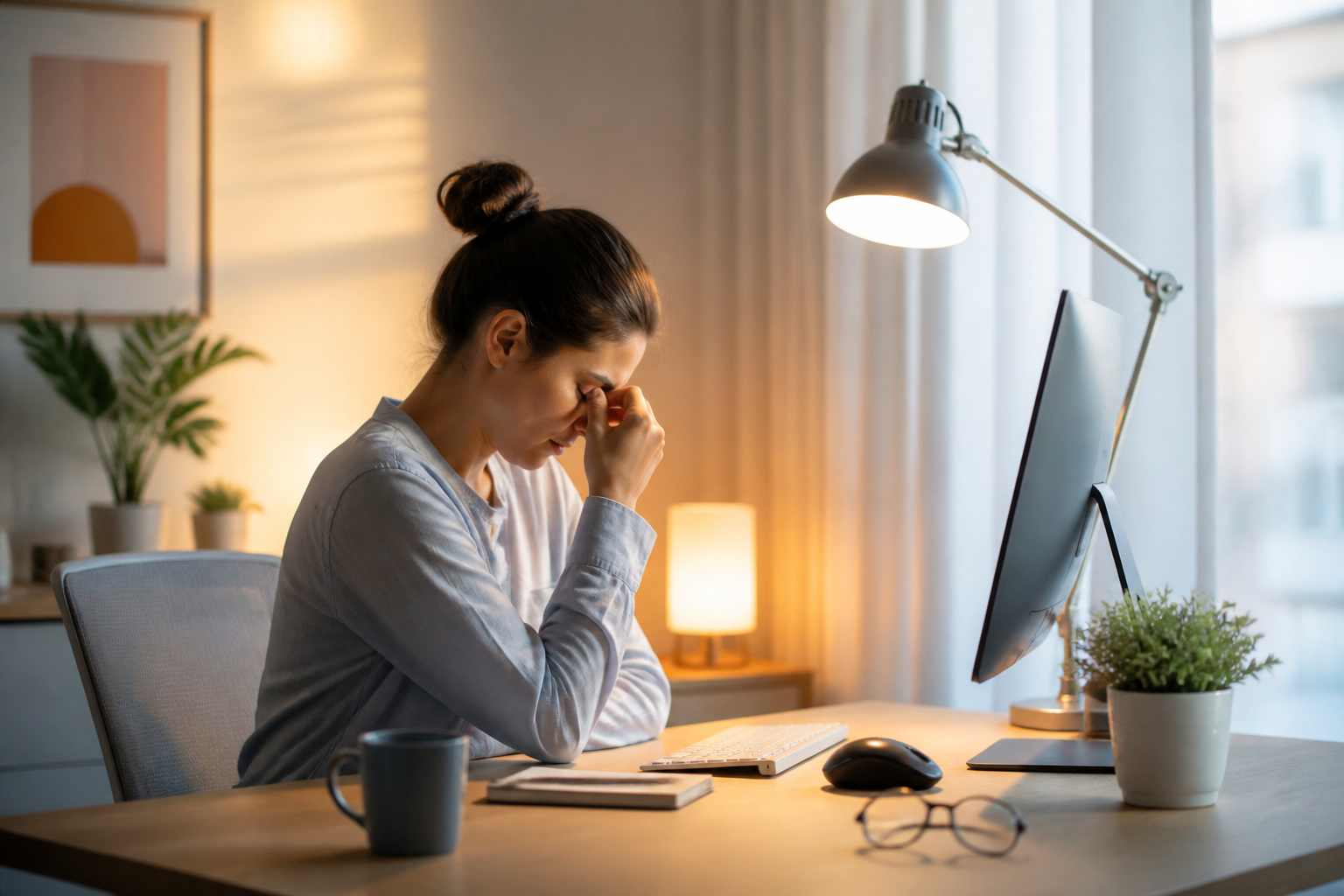
    When we discuss digital eye strain prevention, we often focus on screen time limits or blue-light blocking glasses. However, the physical environment where you work plays an equally critical role in visual fatigue. Designing a workspace that supports your eyes is a highly effective, yet frequently overlooked, strategy for long-term digital wellness.

    The Power of Proper Ambient Lighting

    One of the biggest culprits of eye strain is the contrast between a bright screen and a dark room. To practice effective digital eye strain prevention, aim for balanced ambient light. Position your desk so windows are to your side rather than in front or behind you, reducing both glare and direct backlight. Additionally, using a monitor light bar can illuminate your desk space evenly without casting reflections on your screen.

    Ergonomics and Screen Placement

    How you position your monitor directly impacts how hard your eye muscles have to work. Ideally, your screen should be about an arm’s length away, with the top of the monitor at or slightly below eye level. This downward viewing angle reduces the surface area of the eye exposed to dry air and allows the ocular muscles to remain in a more relaxed state during long working hours.

    Creating Visual Relief Zones

    Incorporate the famous 20-20-20 rule into your decor by placing a physical object, like a plant or a piece of art, exactly 20 feet away from your desk. Every 20 minutes, look at this object for at least 20 seconds. This simple habit stacks seamlessly into an ergonomic workspace, encouraging your eyes to refocus and recover throughout the day.

    Conclusion

    Digital eye strain prevention goes far beyond software settings and eyewear. By making deliberate adjustments to your lighting, screen ergonomics, and surrounding environment, you can create a sustainable workspace that protects your vision. Start by adjusting your monitor height today, and feel the immediate relief in your daily digital routine.

  • Easy desk exercises for remote workers: Morning routine

    Easy desk exercises for remote workers: Morning routine

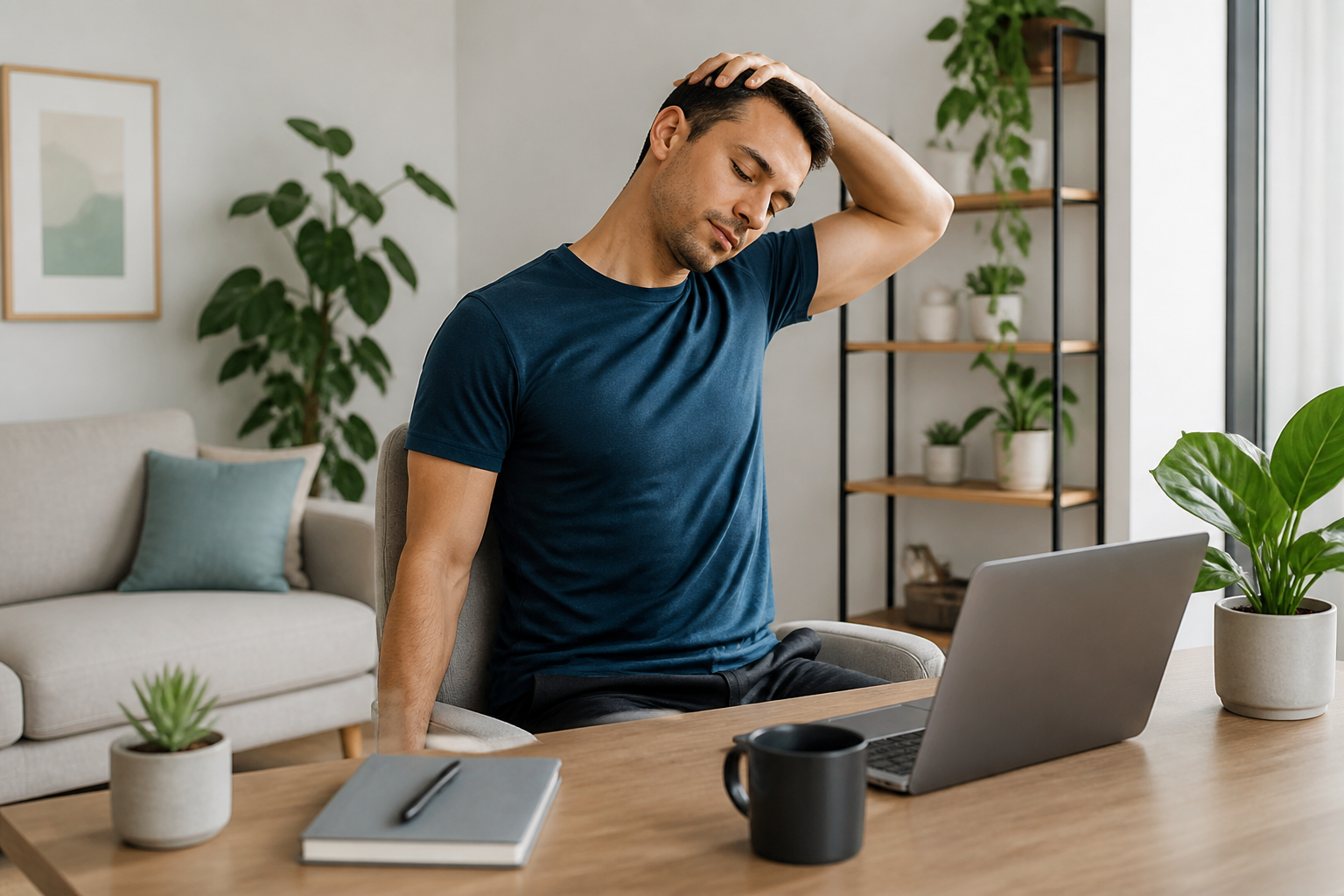
    Transitioning to a work-from-home setup often means losing the natural movement of a daily commute. Active working isn’t about running a marathon during your lunch break; it is about integrating small, consistent movements into your day. Implementing quick desk exercises for remote workers first thing in the morning can drastically improve your circulation, boost energy levels, and set a productive tone for the rest of your shift.

    Awakening Your Upper Body Before the First Meeting

    Spending hours hunched over a laptop can lead to severe tension in your neck and shoulders. To counteract this, start your morning with simple desk exercises for remote workers that focus on opening up the chest and releasing upper body tightness. Try doing seated shoulder shrugs and gentle neck rolls for two minutes. These micro-movements stimulate blood flow to the brain, helping you feel more alert and ready to tackle your inbox.

    Activating Your Core and Lower Body from Your Chair

    Active working also means keeping your lower body engaged even while seated. You can easily perform seated leg extensions by lifting one leg straight out, holding it for five seconds, and lowering it slowly. Repeating this ten times per leg engages your core and quadriceps. Alternatively, try standing up and performing five chair squats every time you finish a task, bridging the gap between passive sitting and active working.

    Conclusion: Building Your New Active Work Habit

    Committing to a healthier lifestyle does not require hours at the gym. By weaving these desk exercises for remote workers into your morning ritual, you lay the foundation for sustainable physical well-being. Start small with just five minutes a day, and notice how your body responds to the consistent movement. Stay tuned for the next article in our series, where we will explore how to maintain this momentum during the afternoon slump.

  • Hello world!

    Welcome to WordPress. This is your first post. Edit or delete it, then start writing!

  • Dynamic Ergonomic Home Office Setup for Active Workers

    Dynamic Ergonomic Home Office Setup for Active Workers

    Creating a truly healthy workspace goes beyond simply buying a good chair; it requires a dynamic ergonomic home office setup designed to encourage movement. While traditional ergonomics focuses on maintaining a static, perfect posture, modern research shows that staying in any single position for too long leads to fatigue and muscle strain. By transitioning to an active workspace, you can keep your energy high and protect your body from the dangers of sedentary behavior.

    The Power of Alternating: Sit-Stand Dynamics

    The cornerstone of an active ergonomic home office setup is a high-quality sit-stand desk. However, the secret lies not just in standing, but in alternating between positions. Aim for a ratio of 45 minutes of sitting followed by 15 minutes of standing. When standing, ensure your keyboard remains at elbow height and your wrists are straight. This continuous variation keeps your circulation flowing and reduces pressure on your lower back.

    Active Seating and Ergonomic Footrests

    When you do sit, traditional chairs can sometimes cradle you into passivity. Active seating options, such as ergonomic stools or balance ball chairs, engage your core muscles and promote micro-movements throughout the day. If you prefer a standard ergonomic chair, pairing it with an active footrest can help you rock your feet, which stimulates blood flow in your legs and prevents stiffness during long focus sessions.

    Designing for Daily Micro-Movements

    To maximize the benefits of your dynamic workspace, intentionally design your environment to force small movements. Place your water bottle or printer just out of arm’s reach, requiring you to stretch or stand up briefly to access them. Additionally, pair your physical adjustments with mental breaks, such as the 20-20-20 rule, to rest your eyes and stretch your neck muscles periodically.

    Conclusion: A Moving Workspace is a Healthy Workspace

    Ultimately, the best ergonomic home office setup is one that never keeps you still for too long. By combining sit-stand furniture, active seating, and conscious movement habits, you transform your workspace from a static cockpit into a healthy, fluid environment. Invest in tools that support motion, and your body will thank you with increased focus and pain-free productivity.