Category: Uncategorized

  • Desk Exercises for Remote Workers: Boost Afternoon Focus

    Desk Exercises for Remote Workers: Boost Afternoon Focus

    We have all experienced the dreaded afternoon slump. After hours of staring at screens, your focus drifts, and your energy plummets. While your first instinct might be to reach for another cup of coffee, the real cure lies in physical movement. Incorporating brief physical activities into your remote workday is not just about physical health; it is a powerful tool to reboot your brain and restore mental clarity.

    The Cognitive Benefits of Micro-Movements

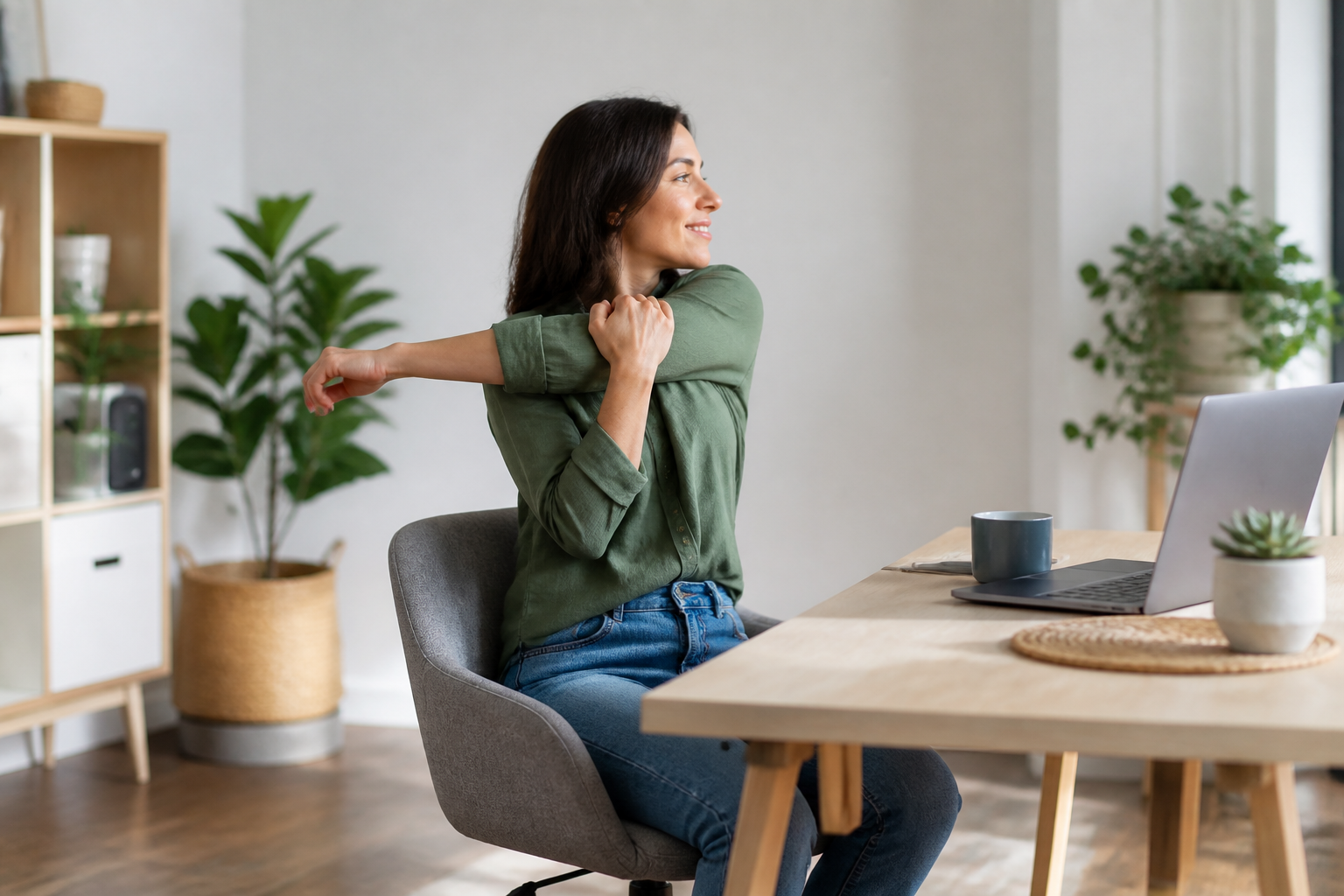
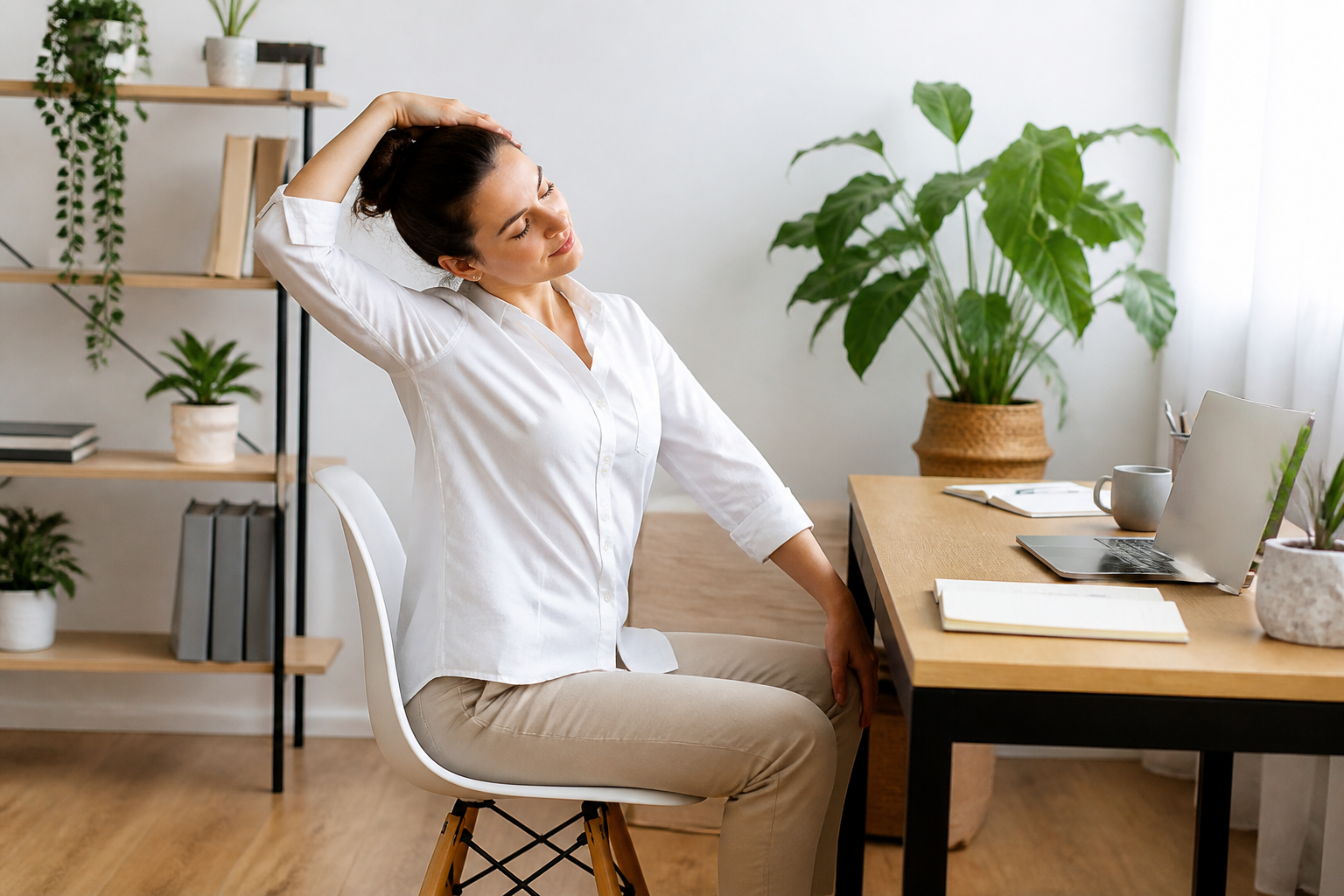
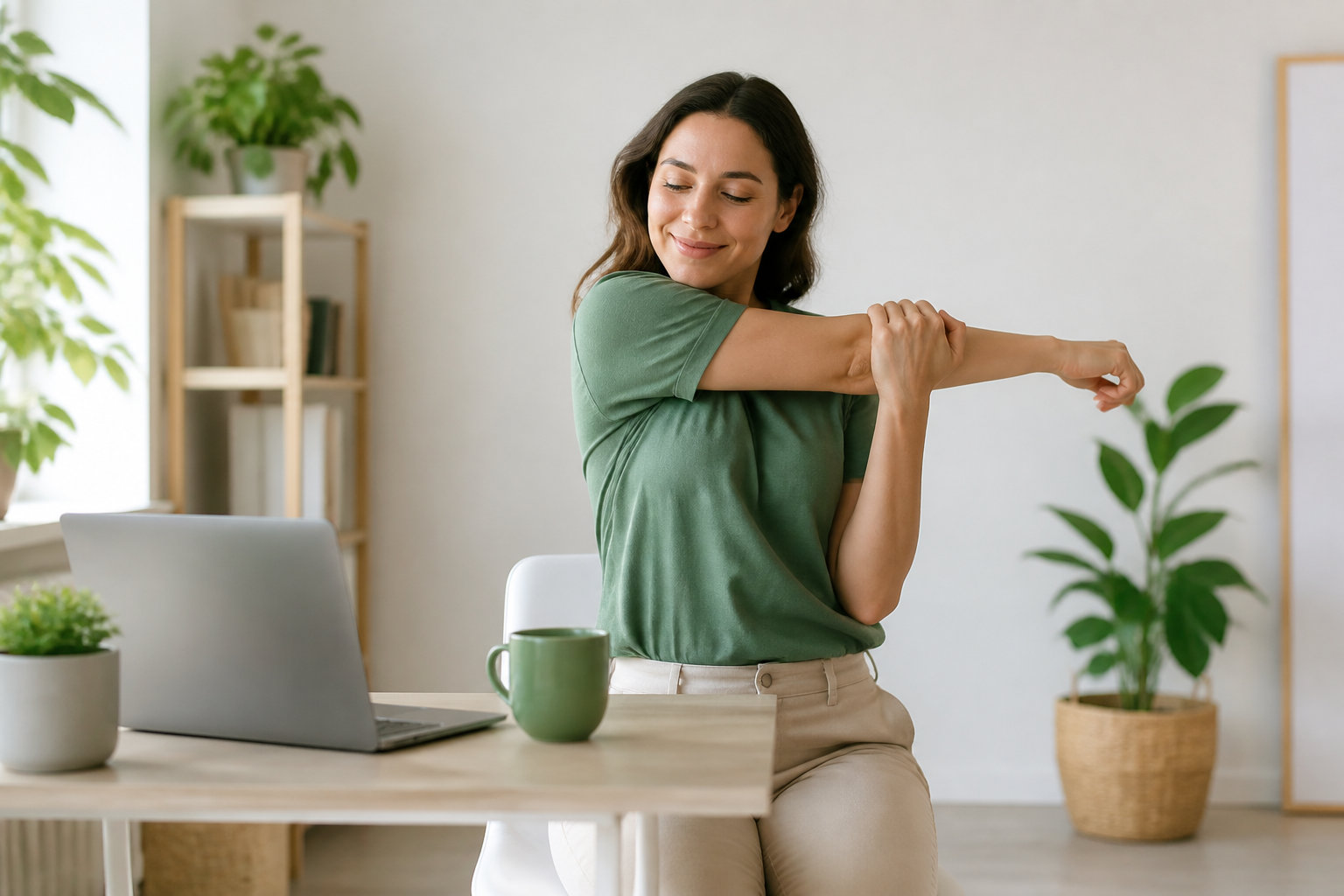
    Staying sedentary for hours restricts blood flow, which directly impacts your cognitive performance and decision-making skills. By practicing quick desk exercises for remote workers, you stimulate blood circulation and deliver oxygen to your brain. This simple shift triggers the release of endorphins, which improve memory, focus, and overall mood during high-stress tasks.

    Active Exercises to Refresh Your Mind

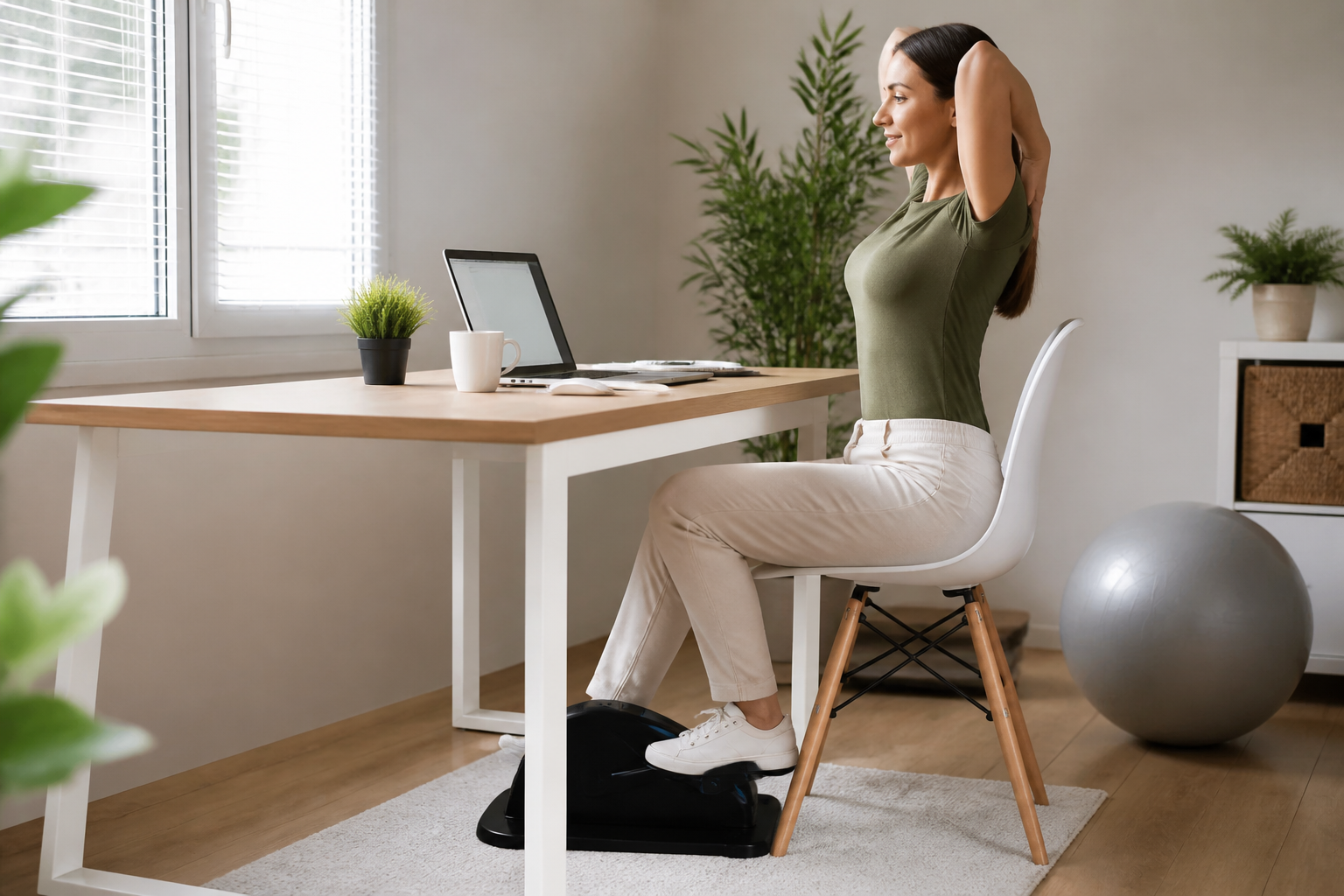
    You do not need a full gym setup to stay active at home. Try integrating seated spinal twists to relieve lower back tension, or desk push-ups to engage your upper body and increase your heart rate. Even simple ankle rolls and seated calf raises under your desk can prevent blood pooling and keep you feeling sharp and alert during long virtual meetings.

    Habit Stacking for Seamless Integration

    The secret to consistency is habit stacking. Instead of trying to schedule a full workout, attach your micro-movements to existing daily triggers. For example, do five squats immediately after closing a video call, or practice neck stretches while waiting for your coffee to brew. These tiny, recurring habits build a sustainable routine of active working without disrupting your professional schedule.

    Conclusion

    Beating the afternoon fatigue does not require hours at the gym. By adopting simple desk exercises for remote workers, you can boost your productivity, protect your physical posture, and keep your mind sharp all day long. Start small today, and feel the difference that consistent micro-movements can make in your remote work journey.
  • Minimalist Ergonomic Home Office Setup for Small Apartments

    Minimalist Ergonomic Home Office Setup for Small Apartments

    Working from home offers incredible flexibility, but tight quarters can make it difficult to prioritize your physical well-being. You do not need a sprawling spare room to protect your posture and boost your productivity. Achieving a high-performing ergonomic home office setup is entirely possible even in the smallest of apartments or multi-functional spaces with the right design strategy.

    Choosing Compact, Multi-Functional Furniture

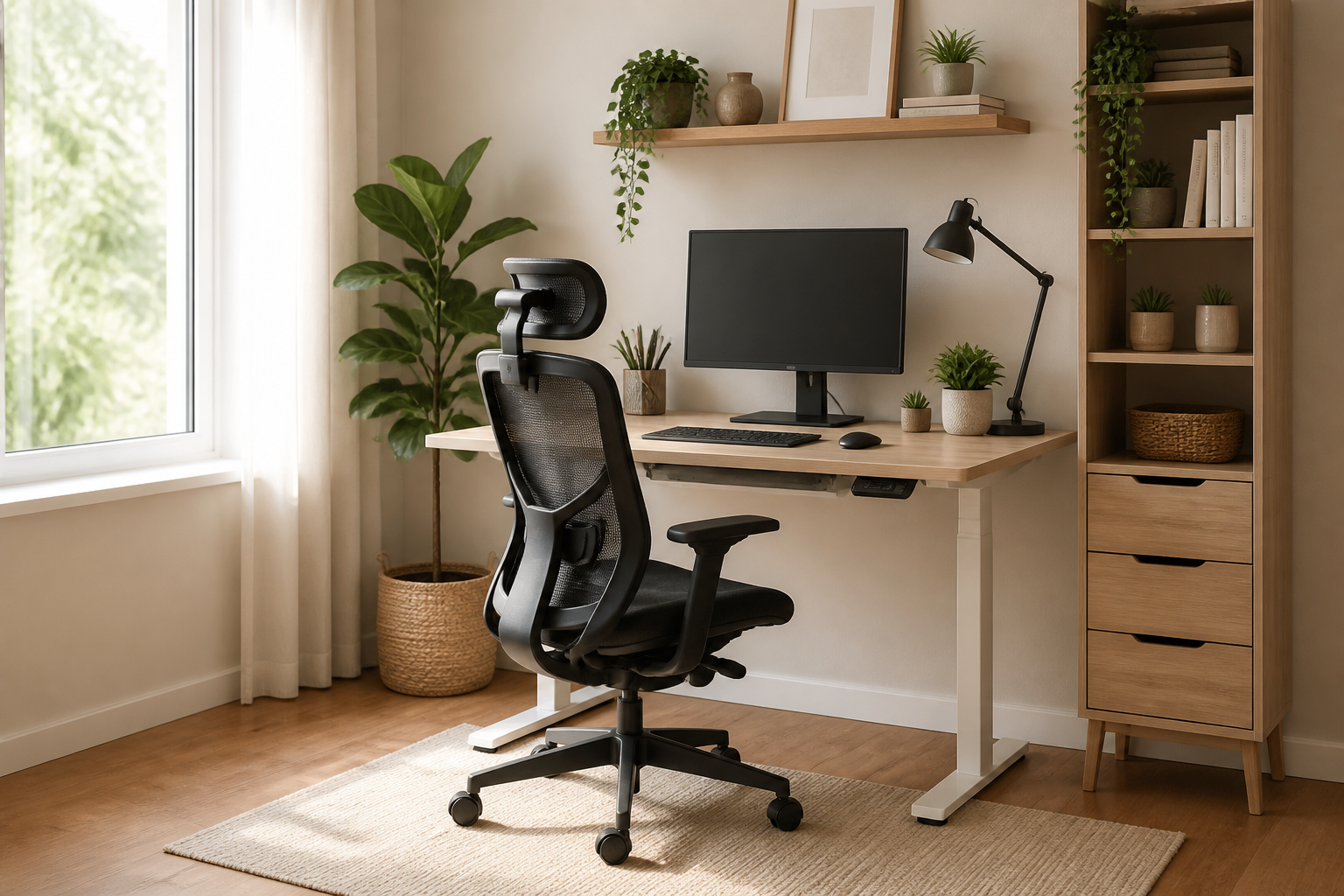
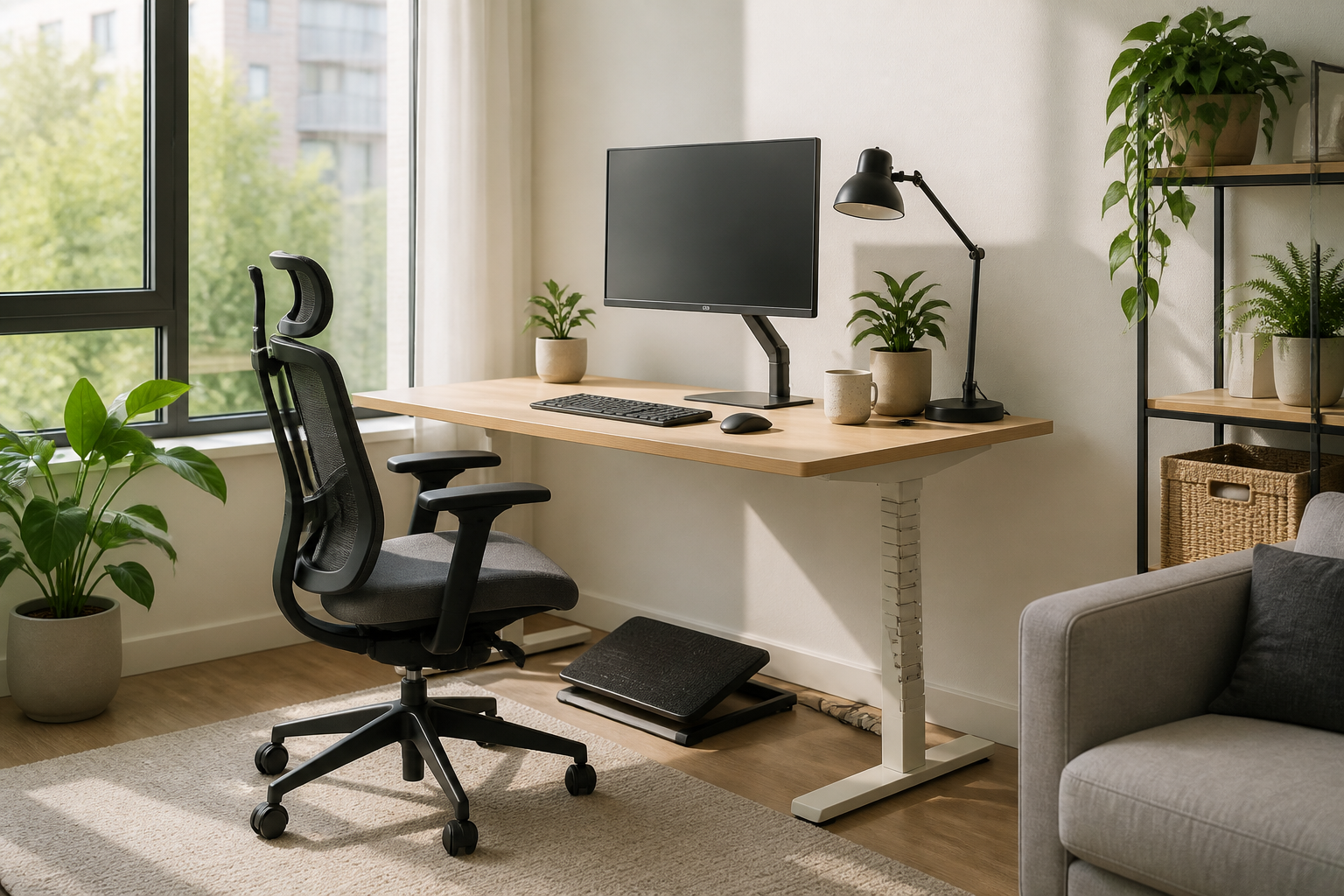
    Traditional ergonomic chairs and bulky executive desks can quickly overwhelm a small room. Instead, look for space-saving alternatives like wall-mounted fold-down desks or compact active-standing desk converters. When selecting a chair, prioritize slim-profile models that offer robust adjustable lumbar support, ensuring they can slide completely under your desk when not in use to reclaim valuable floor space.

    Maximize Vertical Space and Monitor Alignment

    To maintain a healthy posture without cluttering your limited desktop area, utilize vertical space. An adjustable monitor arm clamped to the back of your desk is a game-changer for a small-scale ergonomic home office setup. It allows you to position your screen perfectly at eye level—preventing neck strain—while freeing up the surface beneath for your essential tools.

    Smart Accessories for Tight Workstations

    In a restricted layout, every inch counts. Opt for wireless, compact tenkeyless keyboards and ergonomic vertical mice that reduce wrist strain without requiring a wide range of motion. Additionally, replace bulky desk lamps with a LED monitor light bar that clips directly onto your screen, providing glare-free illumination for your workspace without occupying any desk footprint.

    Conclusion

    Creating a comfortable and pain-free workspace does not require a dedicated corporate room. By choosing smart, adaptable furniture and utilizing clever spatial hacks, you can build a highly effective ergonomic home office setup that fits seamlessly into your living space. Prioritize your health today, no matter how many square feet you have to work with.

  • Room Lighting Secrets for Digital Eye Strain Prevention

    Room Lighting Secrets for Digital Eye Strain Prevention

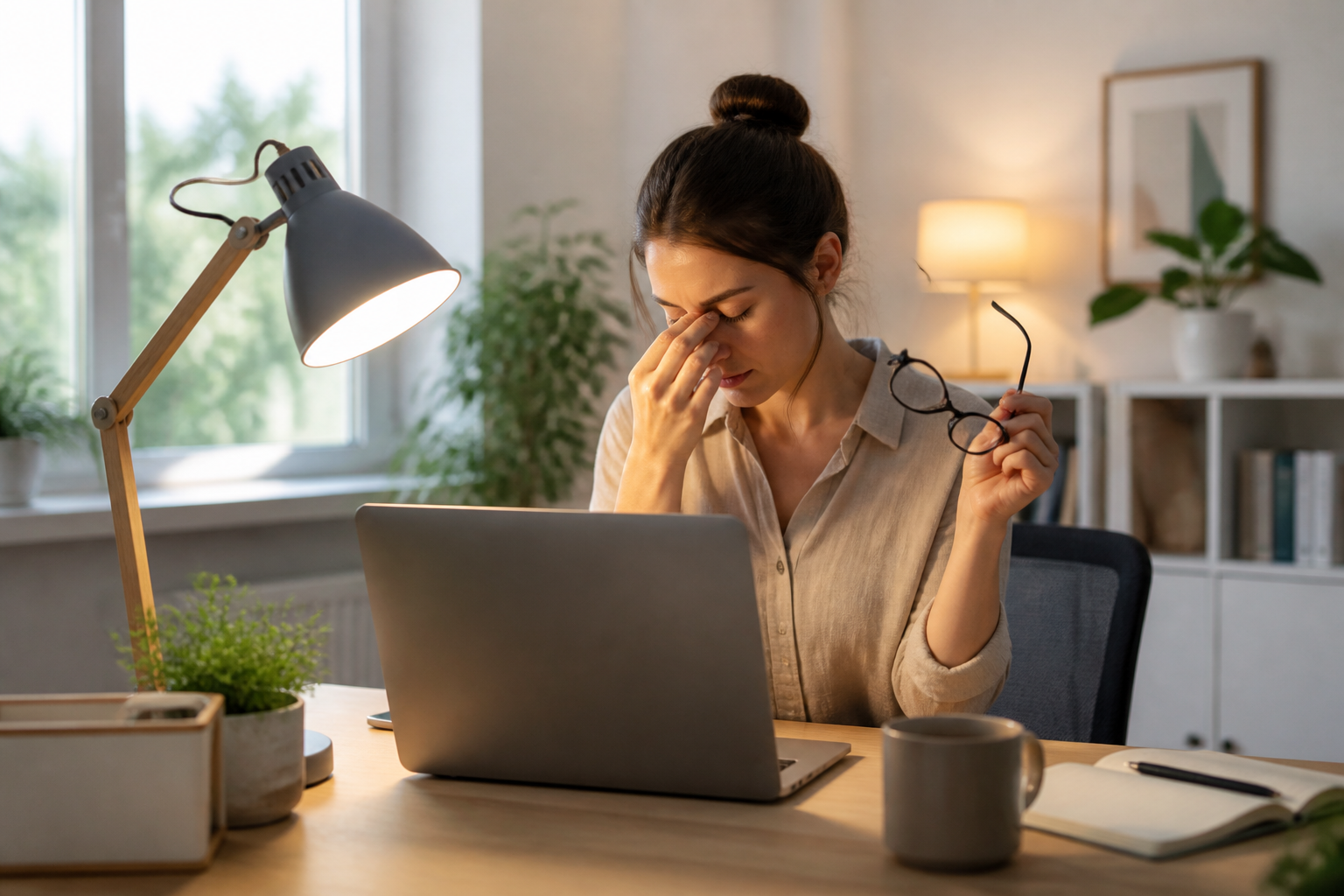
    Most advice on digital eye strain prevention focuses on screen settings or the 20-20-20 rule. However, one often overlooked factor is the physical environment surrounding your screen—specifically, your room’s ambient lighting. The contrast between a bright monitor and a dark room forces your eyes to work harder, leading to rapid fatigue and dryness.

    Balancing Ambient Light and Screen Brightness

    To master digital eye strain prevention, you must eliminate harsh contrasts. Avoid working in a pitch-black room with only your monitor illuminating your face. Ideally, your ambient room light should be about the same brightness as your screen. You can achieve this by placing soft, diffused light sources behind your monitor—a technique known as bias lighting—which reduces glare and eases the transition for your eyes.

    Managing Natural Light and Glare

    Positioning your desk relative to windows is another critical step in digital eye strain prevention. Never face a window directly, as the bright daylight will clash with your monitor’s luminance. Similarly, sitting with a window directly behind you can cause severe glare on your screen. Instead, position your workspace perpendicular to windows and use blinds or drapes to control the inflow of natural daylight throughout the day.

    Choosing the Right Bulbs for Eye Comfort

    The type of artificial light you use also impacts your visual comfort. Opt for warm LED or halogen bulbs rather than cool, flickering fluorescent lights, which can trigger headaches and eye fatigue. Smart bulbs that adjust their color temperature dynamically—mimicking natural daylight during the morning and shifting to warmer tones in the evening—provide excellent support for long-term digital eye strain prevention.

    Conclusion

    Optimizing your workspace lighting is a highly effective, yet frequently ignored, strategy for digital eye strain prevention. By balancing ambient light, managing glare, and choosing the right bulbs, you can create a comfortable viewing environment that supports your digital wellness. Implement these lighting adjustments today to protect your vision during long working hours.

  • Stealth Desk Exercises for Remote Workers in Meetings

    Stealth Desk Exercises for Remote Workers in Meetings

    Staying active at home can be challenging, especially when your day is packed with back-to-back video calls. Fortunately, you don’t need a gym membership or even a break in your schedule to keep your body moving. Implementing stealthy desk exercises for remote workers during virtual meetings is a game-changer for maintaining your energy and health without distracting your colleagues.

    Subtle Lower Body Activation

    When it comes to effective desk exercises for remote workers, the lower body is your best friend because it remains completely off-camera. Try performing seated leg extensions: slowly lift one leg straight out under your desk, hold it for five seconds, and lower it. Alternating legs for a few minutes engages your quadriceps and core. Additionally, doing silent calf raises or squeezing your glutes for ten-second intervals will keep your blood circulating during long presentations.

    Invisible Core and Posture Correctors

    You can easily work on your posture and core strength without anyone noticing on camera. Sit tall, pull your belly button toward your spine, and hold this contraction for 30 seconds to engage your transverse abdominis. Another excellent move is the shoulder blade squeeze. Gently pull your shoulders back and down, squeezing your scapulae together as if holding a pencil between them. This counters the “computer hunch” and opens up your chest instantly.

    Under-the-Desk Joint Mobility

    Stiffness often accumulates in our extremities while typing. To combat this, you can perform wrist and ankle rolls entirely out of the camera’s frame. Roll your ankles clockwise and counter-clockwise to prevent swelling, and gently stretch your fingers and wrists downward under your desk. For your neck, slowly tilt your head from side to side during audio-only moments to release tension built up in your upper trapezius muscles.

    Conclusion: Small Movements, Big Health Benefits

    Incorporating these micro-exercises into your daily meeting routine proves that you do not need dedicated workout blocks to stay healthy. By focusing on subtle, off-camera movements, you can boost your circulation, improve your posture, and keep your mind sharp. Start with just one or two habits today, and turn your passive screen time into an active, health-boosting routine.

  • Dynamic Movement in an Ergonomic Home Office Setup

    Dynamic Movement in an Ergonomic Home Office Setup

    When designing an ergonomic home office setup, most people focus on finding the perfect static posture. However, the human body is built to move. True comfort and health come from active ergonomics—the practice of incorporating subtle movements into your workday to prevent stiffness and boost circulation.

    Embracing Active Seating and Desks

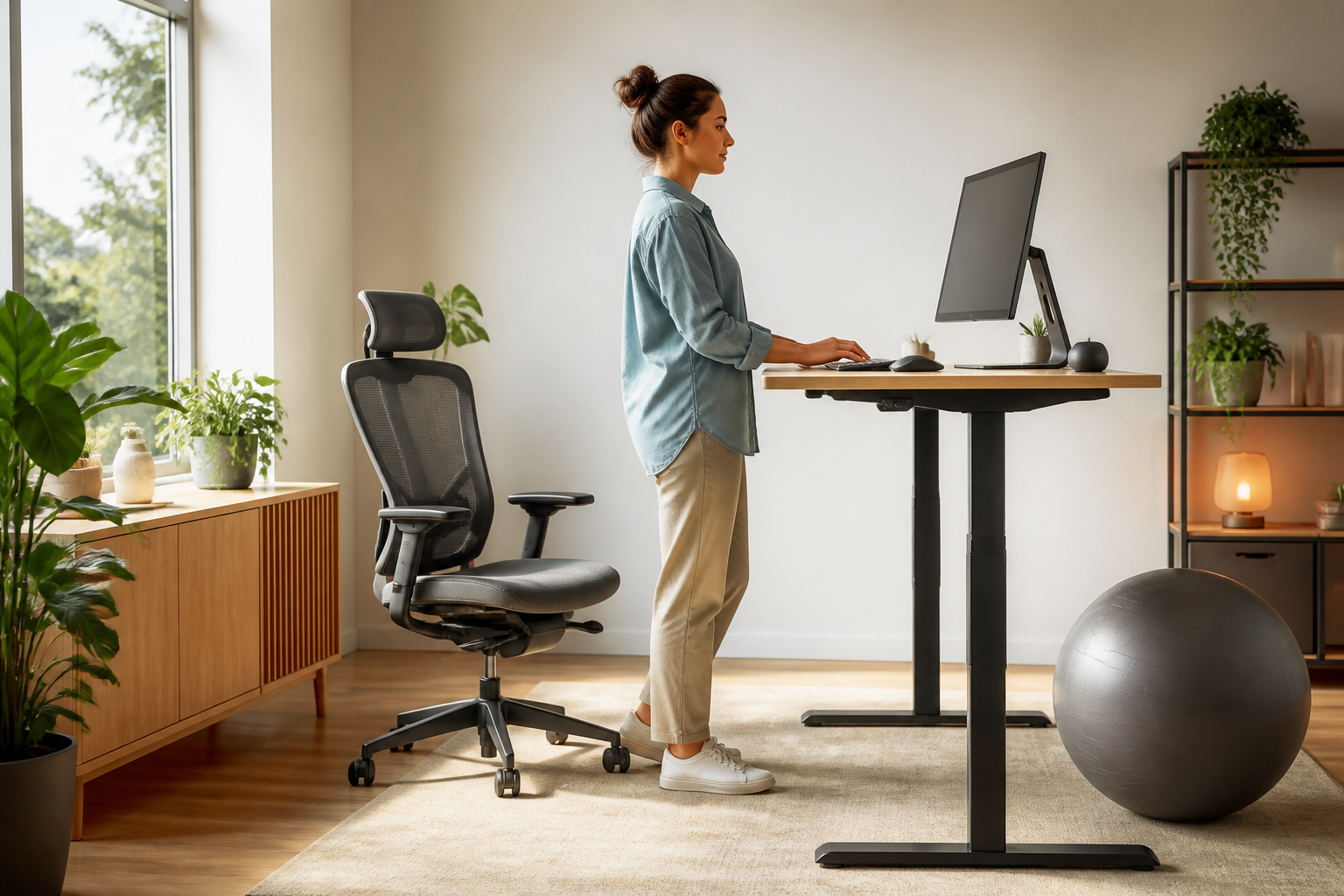
    To transition from a static to an active ergonomic home office setup, look beyond traditional chairs. Consider integrating sit-stand desks that allow you to change your posture throughout the day. Complement this with active seating options, such as ergonomic stools or balance ball chairs, which engage your core and encourage natural alignment.

    Small Tools for Continuous Motion

    You do not need major lifestyle changes to keep your body active while working. Simple additions like an under-desk balance board or an ergonomic footrest can stimulate lower-body circulation. These small accessories encourage micro-movements, reducing the physical strain on your lower back and joints.

    The Golden Rule of Dynamic Ergonomics

    Even with the best furniture, staying in one position for too long causes fatigue. A great rule of thumb for your ergonomic home office setup is the 20-8-2 formula: sit for 20 minutes, stand for eight, and move or stretch for two. This natural rhythm keeps your metabolism active and prevents the cognitive decline associated with prolonged sitting.

    Conclusion

    Ultimately, a successful ergonomic home office setup is not about finding one perfect sitting position, but about creating an environment that facilitates movement. By investing in dynamic furniture and committing to regular posture shifts, you will protect your health, boost your energy, and elevate your daily productivity.

  • Smart Lighting for Digital Eye Strain Prevention

    Smart Lighting for Digital Eye Strain Prevention

    When we think about digital eye strain prevention, we often focus on screen settings, blue light filters, or the 20-20-20 rule. However, one of the most overlooked factors in digital wellness is the lighting environment surrounding your screen. The contrast between a bright monitor and a dark room, or the glare from an overhead fixture, forces your eyes to work twice as hard to focus, leading to rapid fatigue.

    The Power of Bias Lighting

    One of the most effective strategies for digital eye strain prevention is implementing bias lighting. This involves placing a soft, ambient light source directly behind your monitor rather than overhead. By illuminating the wall behind your screen, you reduce the harsh contrast between the bright display and the dark background. This simple adjustment stabilizes your pupils’ dilation, significantly reducing headaches and eye fatigue during long working hours.

    Controlling Glare and Natural Light

    While natural sunlight boosts mood and productivity, direct glare on your screen is a primary trigger for eye fatigue. Position your workstation perpendicular to windows rather than directly in front of or behind them. If you cannot rearrange your desk, invest in anti-glare screen protectors or use matte displays. Additionally, adjustable blinds can help you control the intensity of daylight throughout the day, maintaining a balanced visual environment.

    Matching Screen Brightness to Your Environment

    Another crucial aspect of digital eye strain prevention is ensuring your screen’s brightness matches the ambient light of the room. A simple test is to look at a white background on your monitor; if it looks like a light source in the room, it is too bright. If it looks dull or gray, it is likely too dim. Adjusting your device’s brightness dynamically to match your workspace lighting prevents your eye muscles from straining to adapt to conflicting light levels.

    Conclusion: Light Up Your Wellness

    Achieving digital wellness requires looking beyond the screen itself and optimizing your entire physical workspace. By mastering bias lighting, managing glare, and balancing screen brightness, you create a harmonious environment that protects your vision. Prioritizing these environmental adjustments is a highly effective, long-term approach to digital eye strain prevention, ensuring your eyes remain comfortable and focused all day long.

  • Desk Exercises for Remote Workers: Habit Stacking Tips

    Desk Exercises for Remote Workers: Habit Stacking Tips

    Finding time for physical activity can feel impossible when your calendar is packed with virtual meetings. If you have struggled to maintain a consistent fitness routine, the secret isn’t waking up earlier; it is integrating movement into your existing routine. By using the habit stacking method, you can easily incorporate desk exercises for remote workers into your daily schedule without losing productivity.

    What is Habit Stacking?

    Habit stacking is a productivity method where you pair a new habit with an already established one. Instead of trying to remember to stretch, you anchor the movement to a trigger you do every day, such as waiting for a file to download or brewing your morning coffee. This approach removes the mental friction of starting a new routine.

    Simple Stacks for Your Workday

    To start, choose easy desk exercises for remote workers that fit naturally into your workflow. For example, every time you join a muted video call, perform ten seated heel raises to boost circulation. When you finish reading a long email, do three gentle neck rolls. By attaching these micro-movements to your regular tasks, active working becomes second nature.

    Creating Your Active Desk Routine

    The key to success with active working is keeping the movements low-effort and accessible. Keep a resistance band on your desk as a visual cue. When you feel your energy dip in the afternoon, spend just two minutes doing seated rows. These small moments of physical activity accumulate over the week, keeping your joints lubricated and your mind sharp.

    Conclusion: Small Steps to Better Health

    You do not need an hour-long workout block to combat the sedentary nature of working from home. By pairing quick movements with your daily habits, you build a sustainable routine that supports your physical well-being. Start small today by choosing one work trigger and stacking your first desk exercise onto it.

  • Ergonomic Home Office Setup for Small Spaces

    Ergonomic Home Office Setup for Small Spaces

    Working from a small apartment or a shared room doesn’t mean you have to sacrifice your physical well-being. Finding the right ergonomic home office setup when space is limited requires a blend of creativity, smart furniture choices, and spatial awareness. By prioritizing compact, adjustable tools, you can protect your posture without overcrowding your living area.

    Compact Furniture for Micro-Offices

    The foundation of any ergonomic home office setup is the desk and chair. In small spaces, look for wall-mounted drop-leaf desks or compact standing desk converters that can be tucked away when the workday ends. For seating, choose a high-quality ergonomic task chair with foldable armrests and a smaller footprint, ensuring it can easily slide completely under your desk to save floor space.

    Leveraging Vertical Space and Smart Accessories

    When horizontal real estate is scarce, look upward. Utilizing a monitor arm clamped to the back of your desk frees up critical surface area while keeping your screen at eye level. Pair this with a compact external keyboard and mouse on a pull-out tray to maintain a neutral wrist position, which is a cornerstone of a healthy ergonomic home office setup.

    Multi-Functional and Portable Solutions

    If you lack a dedicated work corner, portable ergonomic accessories are your best friends. Foldable laptop stands, detachable lumbar support cushions, and rollable filing cabinets that double as side tables allow you to set up a healthy workstation anywhere. This flexibility ensures you can transition from work mode to relaxation mode instantly, keeping your home feeling like a home.

    Prioritizing Your Health in Any Square Footage

    In conclusion, a limited footprint should never prevent you from working comfortably and pain-free. By investing in multi-functional furniture, utilizing vertical space, and choosing highly adjustable accessories, you can create a highly effective ergonomic home office setup in even the smallest of rooms. Your body will thank you for making posture a priority, no matter how much space you have.

  • Lighting Hacks for Digital Eye Strain Prevention

    Lighting Hacks for Digital Eye Strain Prevention

    When we discuss digital wellness, we often focus on screen time limits and app blockers. However, the physical environment where we use our devices plays a massive role in our ocular health. Optimizing your workspace is a crucial, often overlooked step in digital eye strain prevention.

    The Role of Ambient Lighting

    Working in a dark room with a glaring monitor is a recipe for eye fatigue. To improve your digital eye strain prevention strategy, ensure your ambient room lighting matches the brightness of your screen. Utilizing bias lighting—a soft light source placed behind your monitor—can dramatically reduce contrast and ease the visual workload on your eyes.

    Banishing Glare and Reflections

    Glare from windows or overhead fixtures forces your eyes to constantly adjust, leading to headaches and fatigue. Position your computer monitor perpendicular to windows rather than directly in front of or behind them. If bright sunlight is unavoidable, consider using anti-glare screen protectors or matte displays to keep your vision clear and comfortable.

    Ergonomic Screen Placement

    Your screen’s position is just as vital as the light around it. Keep your monitor about an arm’s length away, with the top of the screen at or slightly below eye level. This natural viewing angle reduces dry eyes by keeping your eyelids lower, which is another simple yet effective tactic for digital eye strain prevention.

    Conclusion

    True digital wellness requires a holistic approach that goes beyond software settings. By adjusting your physical environment—from ambient lighting to screen placement—you build a sustainable workspace that supports your vision. Prioritize these environmental changes today to protect your eyes for the digital tasks of tomorrow.

  • Desk Exercises for Remote Workers: Video Call Edition

    Desk Exercises for Remote Workers: Video Call Edition

    Working from home has revolutionized our schedules, but it has also chained us to virtual meeting rooms. If your calendar is packed with back-to-back video calls, finding time for physical activity can feel impossible. Fortunately, you do not need to block out hours at the gym to stay active. By implementing subtle, camera-friendly desk exercises for remote workers, you can keep your circulation flowing and your muscles engaged without your colleagues ever noticing.

    Stealthy Lower-Body Movements for Video Calls

    The secret to staying active during a meeting lies beneath the camera frame. Seated leg extensions are perfect for this; simply extend one leg straight out under your desk, hold for five seconds, and lower it slowly. Alternating legs targets your quadriceps and core. Additionally, you can perform seated calf raises by lifting your heels off the ground while keeping your toes pressed down. These micro-movements stimulate blood flow, reducing the risk of stiffness during long presentations.

    Upper-Body Releases Between Slides

    When you are not speaking or when screens are being shared, take a moment to release upper-body tension. Gently roll your shoulders backward to counteract the slouching posture that causes back pain. You can also perform subtle isometric chest presses by pressing your palms together in front of your chest, just out of camera range. These quick desk exercises for remote workers act as physical resets, preventing fatigue from settling into your neck and shoulders.

    Creating a Sustainable Active Work Routine

    To make these movements habitual, try linking them to specific digital triggers. For example, every time someone says ‘can you see my screen,’ use that moment to perform a seated spinal twist or a deep breathing cycle. By stacking these physical triggers onto your existing workflow, active working becomes second nature rather than another chore on your to-do list.

    Conclusion: Small Movements, Big Health Benefits

    In conclusion, staying active while working remotely does not require disrupting your professional workflow. By integrating discreet desk exercises for remote workers into your daily video calls, you protect your physical health and boost your mental focus. Start with just one or two subtle movements today, and transform your sedentary meeting hours into opportunities for physical rejuvenation.