Blog

  • Workspace Lighting for Digital Eye Strain Prevention

    Workspace Lighting for Digital Eye Strain Prevention

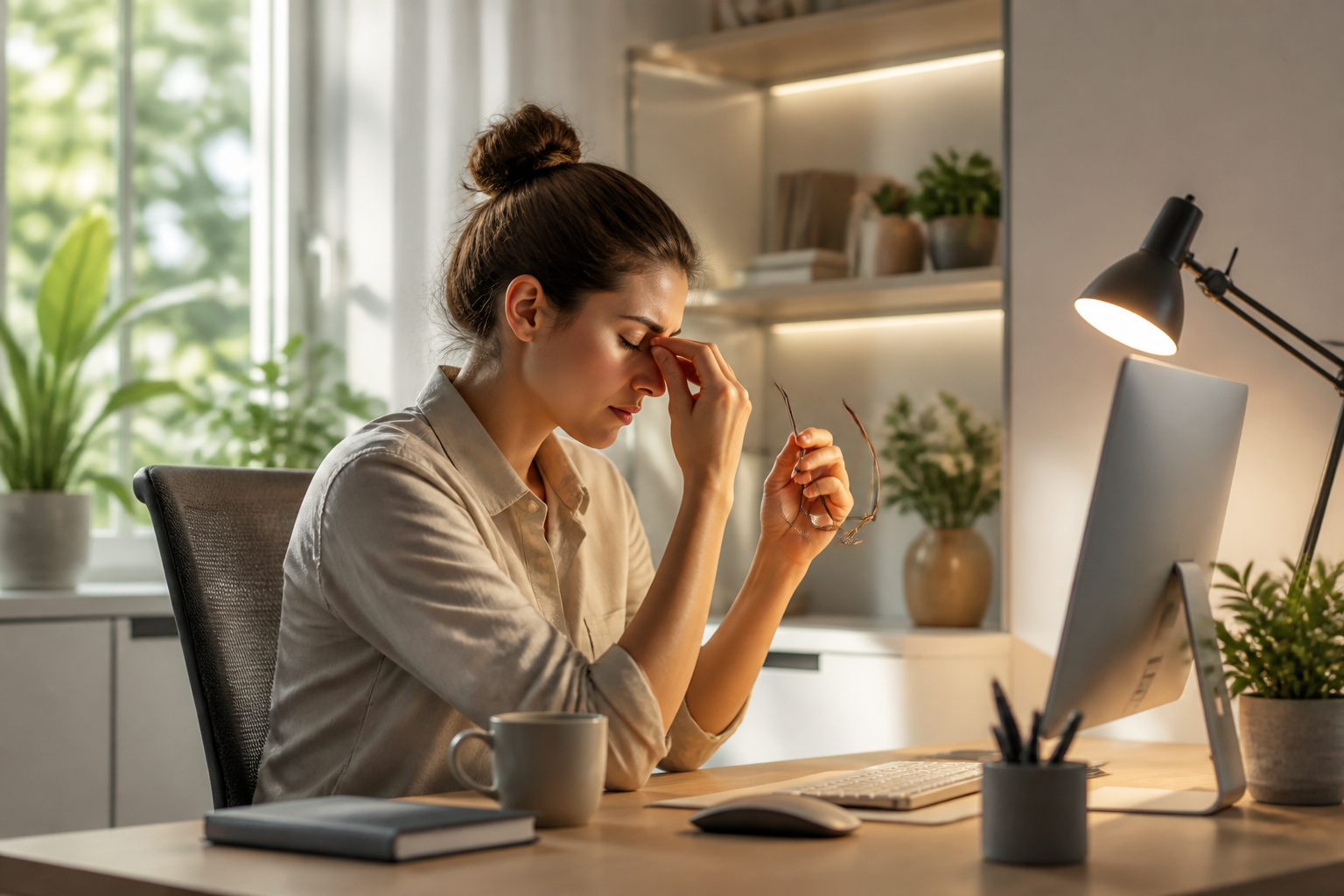
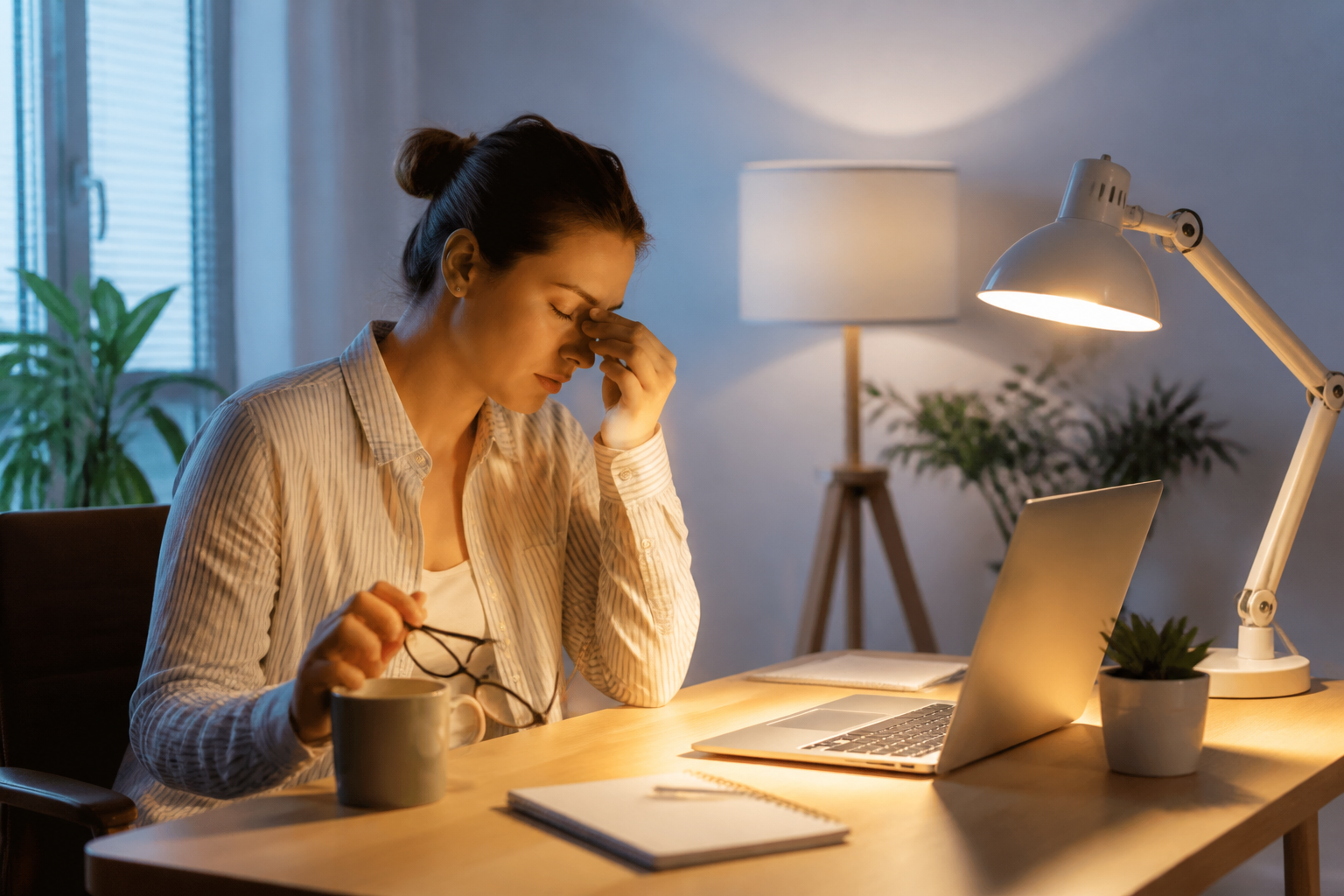
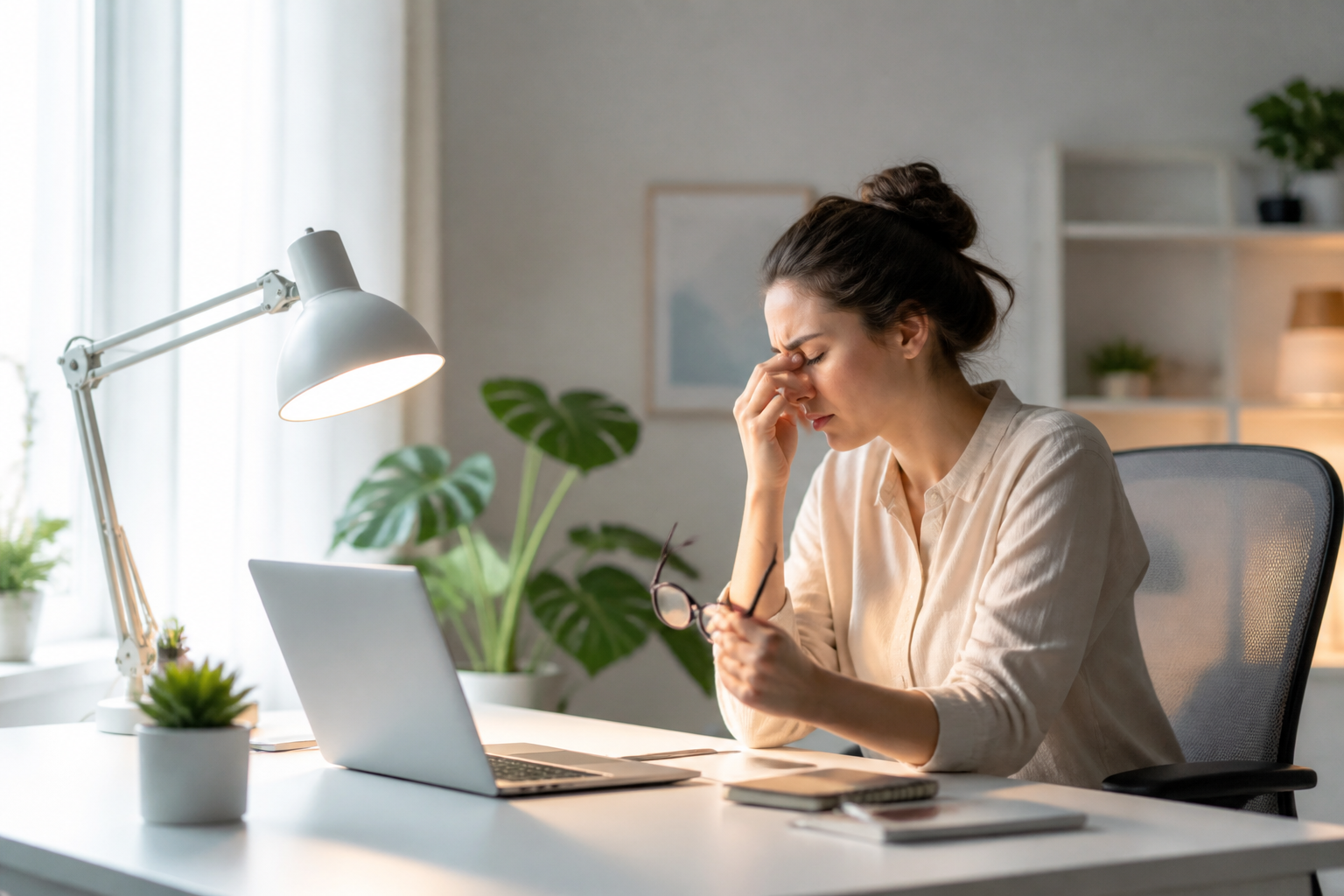
    While many digital wellness tips focus on screen time limits, the physical environment where you work plays an equally vital role. Properly setting up your office space is a cornerstone of effective digital eye strain prevention. Specifically, the relationship between your screen’s brightness and the ambient light in your room can either protect your eyes or fatigue them within hours.

    Balancing Ambient Light and Screen Brightness

    Working in a dimly lit room with a bright monitor forces your eyes to constantly adjust to extreme contrast, leading to rapid fatigue. For optimal digital eye strain prevention, aim for a balanced environment. Your ambient room lighting should be roughly equal to the brightness of your monitor. If your screen looks like a light source in the room, it is too bright; if it looks dull, it is too dark.

    Positioning to Eliminate Glare

    Direct glare from windows or overhead fixtures is another major culprit of ocular discomfort. Position your monitor so that windows are to the side, rather than directly in front of or behind your screen. If you cannot reposition your desk, consider using matte screen protectors or adjusting your monitor’s tilt to minimize harsh reflections.

    Implementing Bias Lighting for Comfort

    One of the most effective secrets to digital eye strain prevention is bias lighting. This involves placing a soft, warm LED light strip behind your monitor to project light onto the wall. This subtle glow reduces the stark contrast between the screen and the dark wall behind it, significantly easing the workload on your visual system during long working hours.

    Conclusion

    Ultimately, preventing digital eye strain requires a holistic approach that goes beyond just software settings. By optimizing your physical workspace lighting, eliminating glare, and utilizing bias lighting, you create a supportive environment for your eyes. Prioritize these simple environmental adjustments to elevate your daily digital wellness and maintain comfortable, healthy vision.
  • Micro-Habits: Desk Exercises for Remote Workers

    Micro-Habits: Desk Exercises for Remote Workers

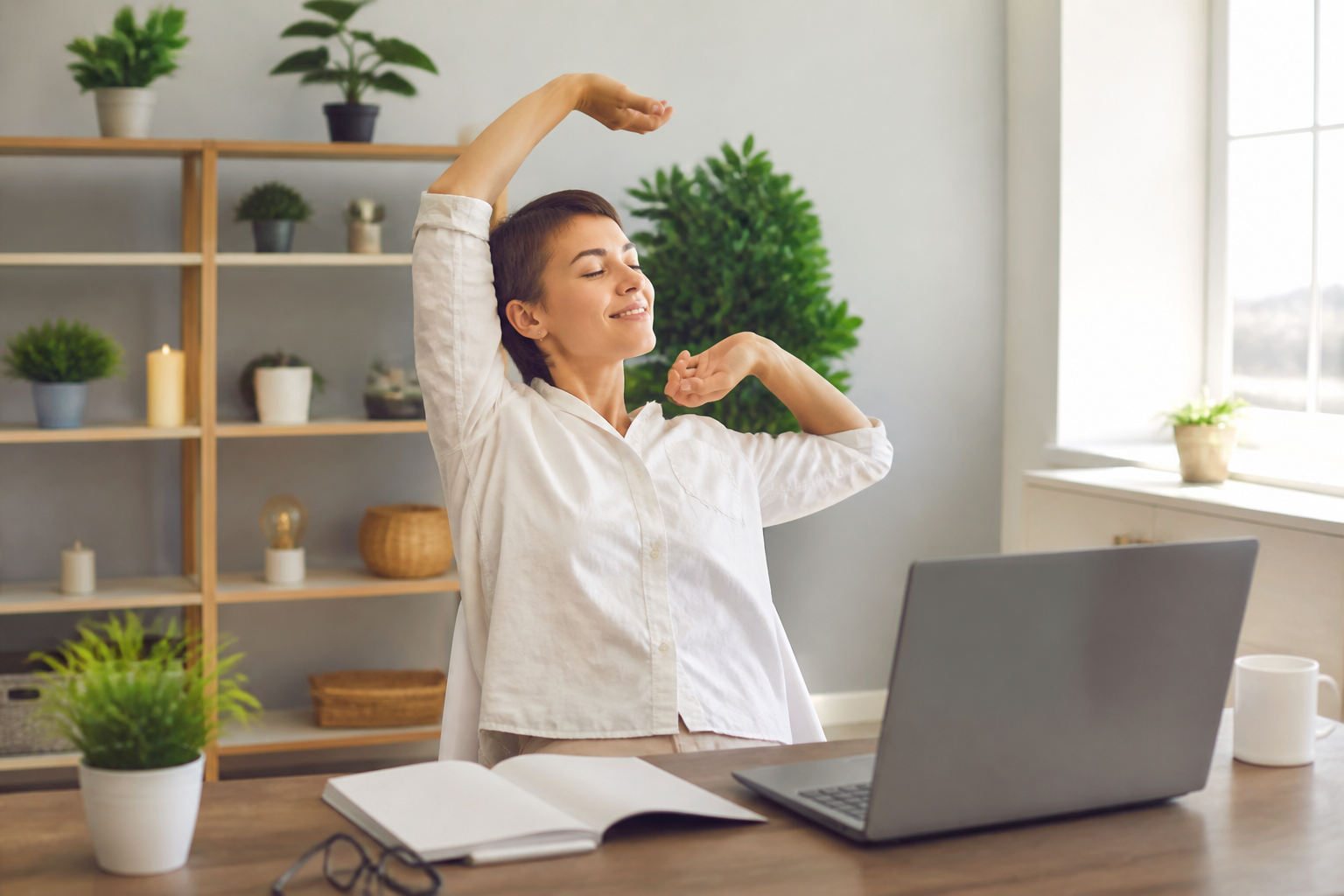
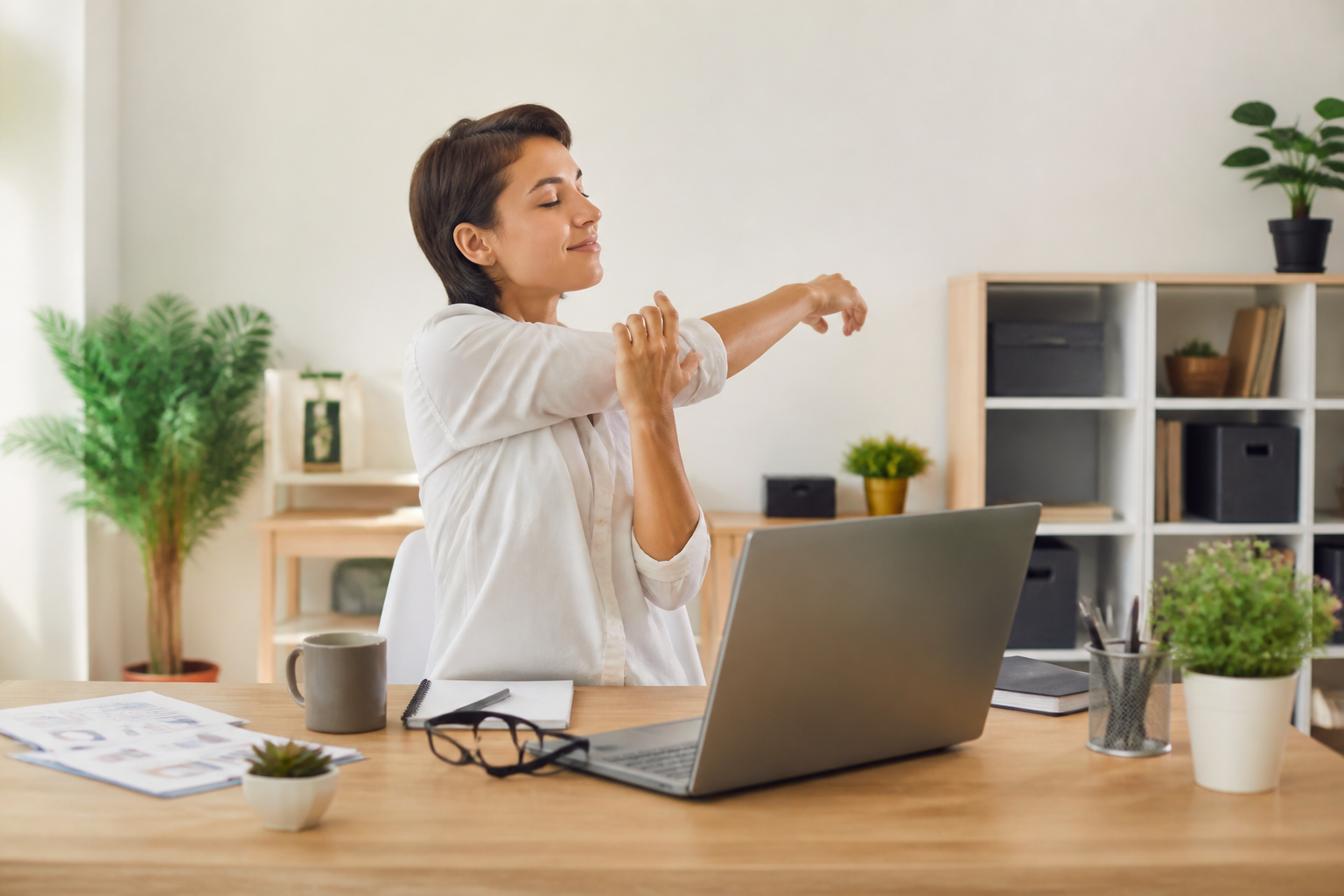
    Staying active while working from home can feel like an uphill battle, especially when back-to-back virtual meetings tie you to your chair. While you might know the benefits of physical activity, finding dedicated time for a workout during a busy day is tough. This is where mastering habit stacking and quick desk exercises for remote workers can transform your daily routine without hurting your productivity.

    What Is Habit Stacking for Remote Health?

    Habit stacking is a behavioral design method where you pair a new habit with an already established routine. Instead of trying to remember to stretch, you link a specific movement to a daily work trigger, such as closing a meeting or waiting for a file to download. By anchoring desk exercises for remote workers to these existing cues, active working becomes automatic and effortless.

    Three Seamless Exercises to Stack Today

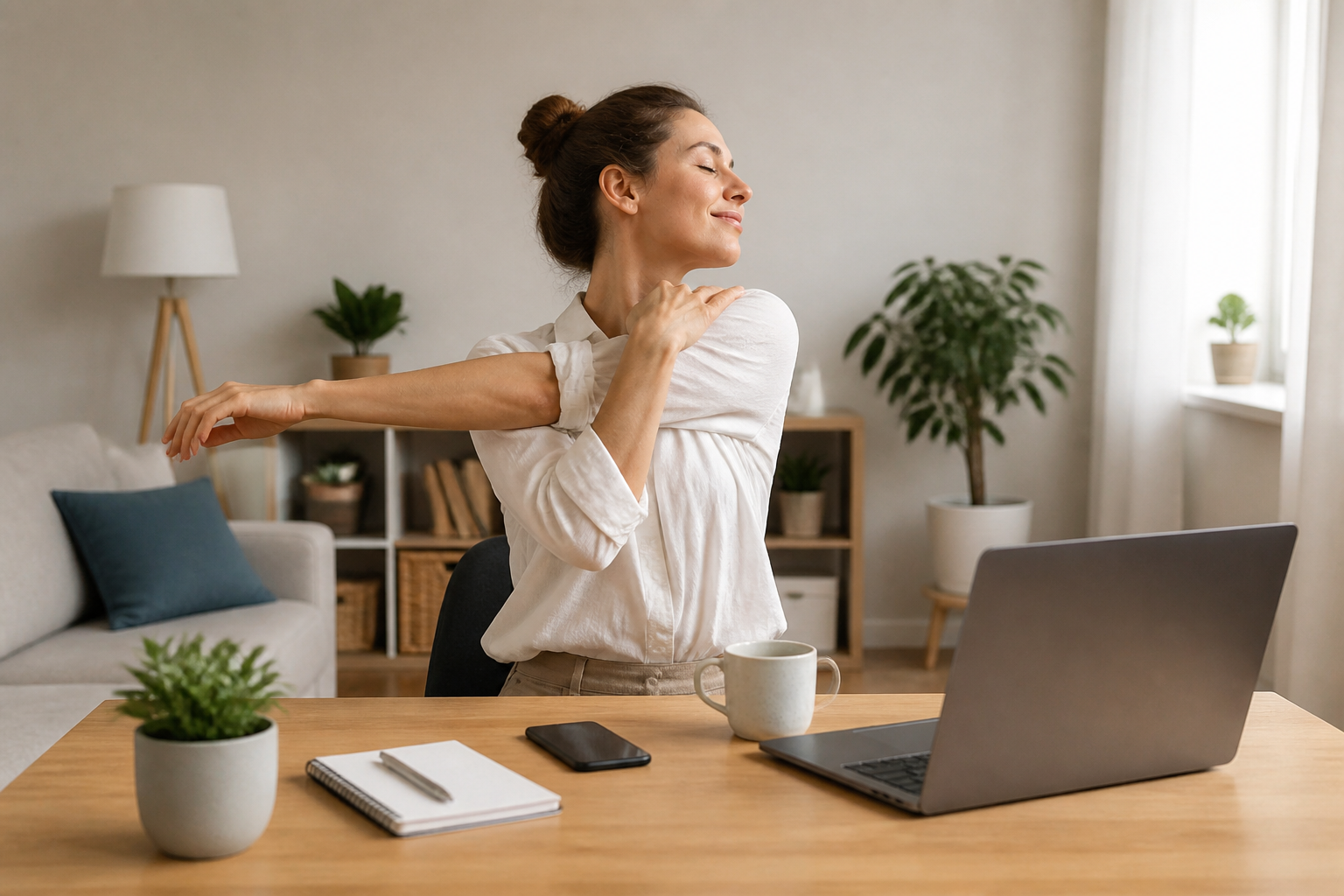
    You do not need a home gym to keep your body moving throughout the day. Try stacking a seated spinal twist right after you send your first morning email to release lower back tension. While waiting for your lunch to heat up, practice ten counter-top push-ups. Finally, during audio-only calls, stand up and perform gentle calf raises. These micro-movements keep your circulation flowing and prevent physical fatigue.

    Overcoming the Mental Block of Active Working

    The biggest obstacle to active working is often mental; we feel that taking even a two-minute break will disrupt our flow. However, research shows that brief physical interruptions actually restore cognitive energy and improve overall focus. Shifting your mindset to view desk exercises for remote workers as a tool for better productivity, rather than a distraction, is key to long-term physical well-being.

    Conclusion

    Integrating active working into your remote routine does not require a complete lifestyle overhaul. By leveraging the power of habit stacking, you can easily sneak beneficial movement into your busiest days. Start small by choosing just one daily trigger today, and watch how these micro-exercises compound into significant improvements in your energy, posture, and mental clarity.

  • Ergonomic Home Office Setup for Small Spaces

    Ergonomic Home Office Setup for Small Spaces

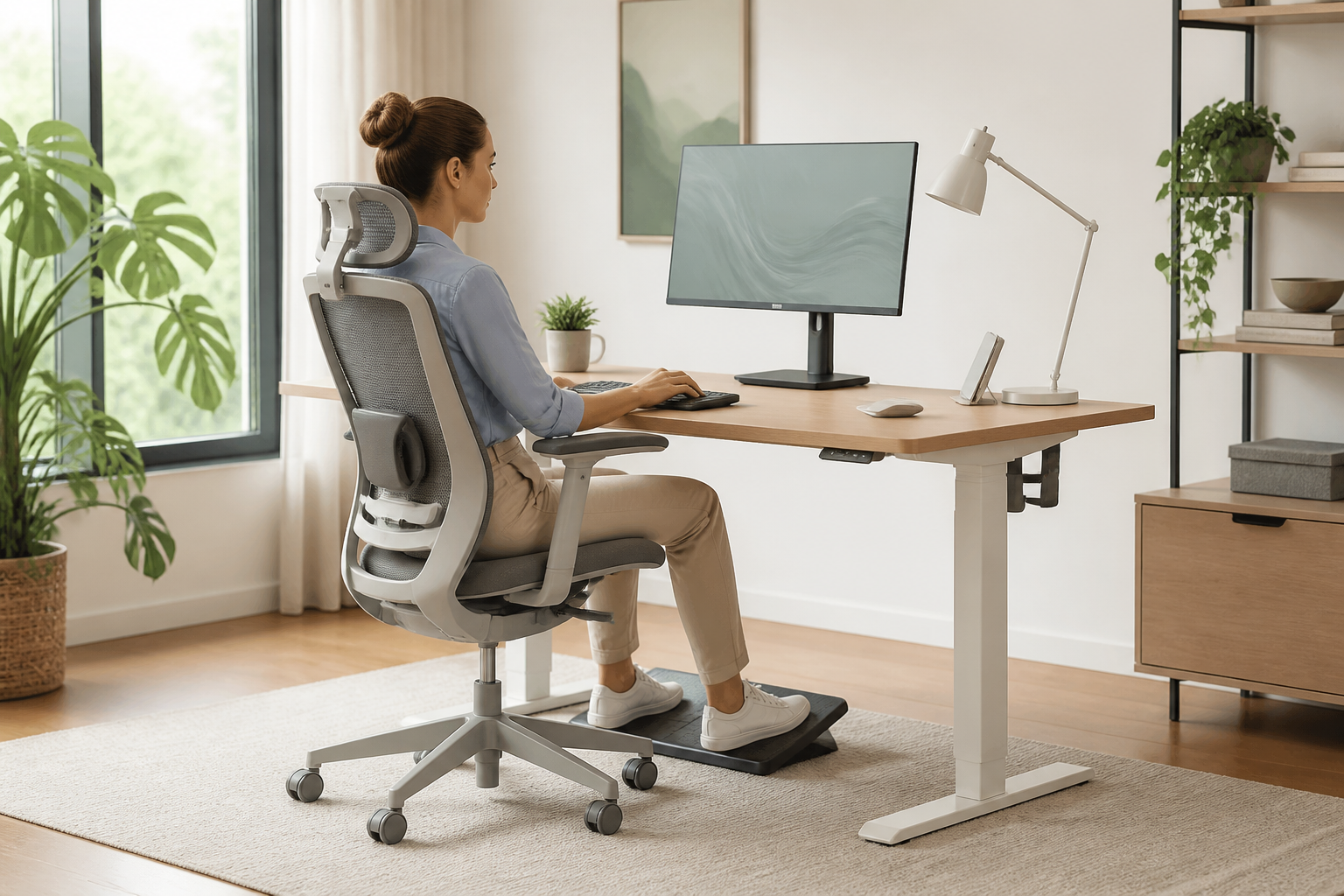
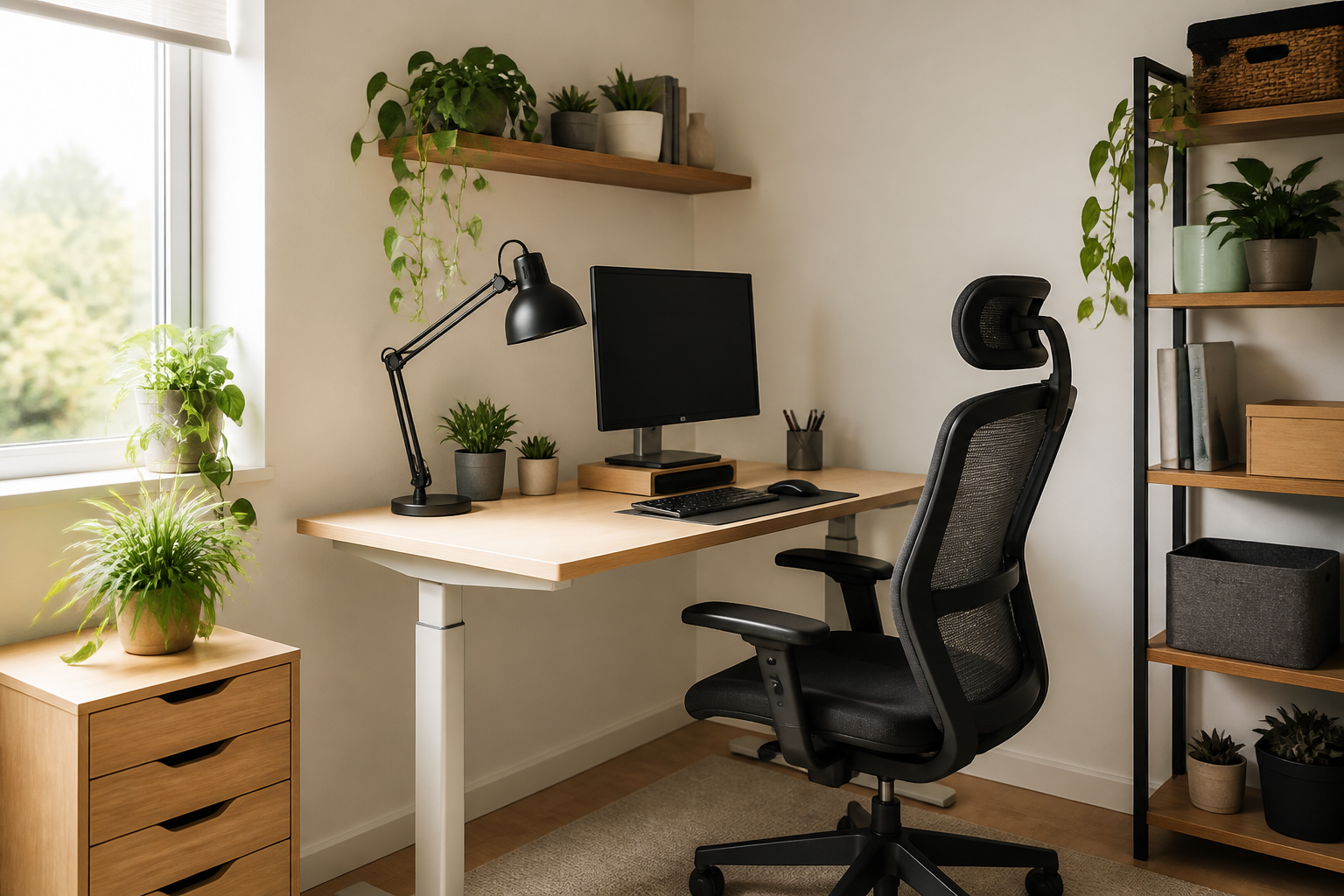
    Living in a cozy apartment shouldn’t mean sacrificing your physical well-being. Creating an efficient ergonomic home office setup in a limited space is entirely possible with the right approach. By choosing multi-functional furniture and optimizing your layout, you can prevent back pain and boost productivity without needing a dedicated extra room.

    Choose Compact and Adjustable Furniture

    When square footage is tight, look for compact furniture that adapts to your body. A small standing desk converter or a wall-mounted drop-leaf desk can save valuable floor space. Pair it with a highly adjustable, slim-profile ergonomic chair that can easily tuck under the desk when your workday is done.

    Leverage Monitor Arms and Vertical Space

    To keep your neck aligned and your desk clutter-free, elevate your screen. Using an adjustable monitor arm allows you to position your screen at eye level while freeing up desk real estate. This simple adjustment is a cornerstone of a healthy ergonomic home office setup, ensuring you do not hunch forward while typing.

    Incorporate Active Ergonomics

    Small spaces can limit your movement throughout the day, making active ergonomics even more crucial. Consider a balance cushion for your chair or a compact under-desk footrest to encourage blood circulation. Taking micro-breaks to stretch or using a foldable walking pad can also keep you active during long working hours.

    Conclusion: Prioritize Comfort Over Size

    Ultimately, a successful ergonomic home office setup is not about the size of your room, but how well your workspace supports your body. By implementing smart, space-saving furniture and maintaining proper posture, you can create a healthy and highly productive work environment in any corner of your home.

  • Workspace Lighting for Digital Eye Strain Prevention

    Workspace Lighting for Digital Eye Strain Prevention

    As we continue our digital wellness journey, it is time to look beyond just screen time limits and focus on our physical environment. Your workspace setup plays a crucial role in how hard your eyes have to work. By implementing targeted physical adjustments, you can achieve effective digital eye strain prevention without sacrificing your productivity.

    Optimizing Your Ambient Lighting

    One of the most overlooked factors in eye health is the contrast between your monitor and the surrounding room. Harsh overhead fluorescents or direct sunlight can create intense glare on your screen, forcing your eyes to strain to read text. For optimal digital eye strain prevention, position your desk so windows are to the side rather than directly in front of or behind your screen, and use dimmable ambient lighting that matches your screen’s brightness.

    Screen Positioning and Angle Adjustments

    How you position your monitor dictates your blink rate and eye muscle fatigue. Your screen should sit approximately 20 to 28 inches away from your face, with the top of the monitor at or slightly below eye level. This downward viewing angle exposes less of your eyeball’s surface area, reducing tear evaporation and keeping your eyes naturally lubricated during long working hours.

    Integrating Smart Display Settings

    Physical adjustments work best when paired with smart software habits. Adjust your display’s color temperature to warmer hues in the evening to block sleep-disrupting blue light. Additionally, matching your screen’s contrast to your room’s ambient light prevents your pupils from constantly dilating and contracting, reinforcing your overall digital eye strain prevention strategy.

    A Clearer Vision for Digital Wellness

    Ultimately, preventing eye fatigue is about creating harmony between your physical environment and your digital devices. By taking a few minutes to adjust your lights, reposition your monitor, and tweak your screen settings, you build a sustainable workspace that protects your vision. Start making these adjustments today to experience immediate relief and long-term eye health benefits.

  • Quick Desk Exercises for Remote Workers on Busy Days

    Quick Desk Exercises for Remote Workers on Busy Days

    Working from home often means moving from one virtual meeting to the next without ever leaving your chair. This sedentary loop can quickly drain your energy and stiffen your muscles. Integrating quick desk exercises for remote workers into your daily routine is the ultimate hack to maintain both physical health and mental sharpness during your most hectic workdays.

    Habit Stacking: Fit Movement into Your Schedule

    The secret to consistency is ‘habit stacking’—linking a new physical movement to an existing daily habit. For instance, while waiting for a video call to host, or immediately after hitting ‘Leave Meeting’, perform a quick sixty-second stretch. By attaching these mini-workouts to your established milestones, desk exercises for remote workers transition from a chore into an effortless, automatic routine.

    High-Impact Exercises You Can Do Silently

    You do not need a gym setup to stay active at home. Simple movements like seated spinal twists, neck releases, and under-desk ankle rolls can dramatically improve your circulation. If you are on a camera-off call, try doing standing calf raises or a gentle chest-opening stretch against your chair. These subtle movements relieve spinal compression and prevent the dreaded afternoon slump without distracting your team.

    Beyond the immediate physical relief, active working serves as a powerful cognitive reset. Physical movement triggers instant blood flow to the brain, which enhances focus, creativity, and decision-making during high-stress tasks. Taking just two minutes to move can save you hours of sluggish productivity later in the afternoon.

    Conclusion: Build a Healthier Remote Workday

    Staying active at home does not require hours of free time or fancy equipment. By implementing micro-movements throughout your busiest days, you can protect your posture and boost your daily productivity. Start small today by choosing one meeting transition to trigger your favorite desk exercises for remote workers and feel the immediate difference in your energy levels.

  • Active Ergonomic Home Office Setup for Better Health

    Active Ergonomic Home Office Setup for Better Health

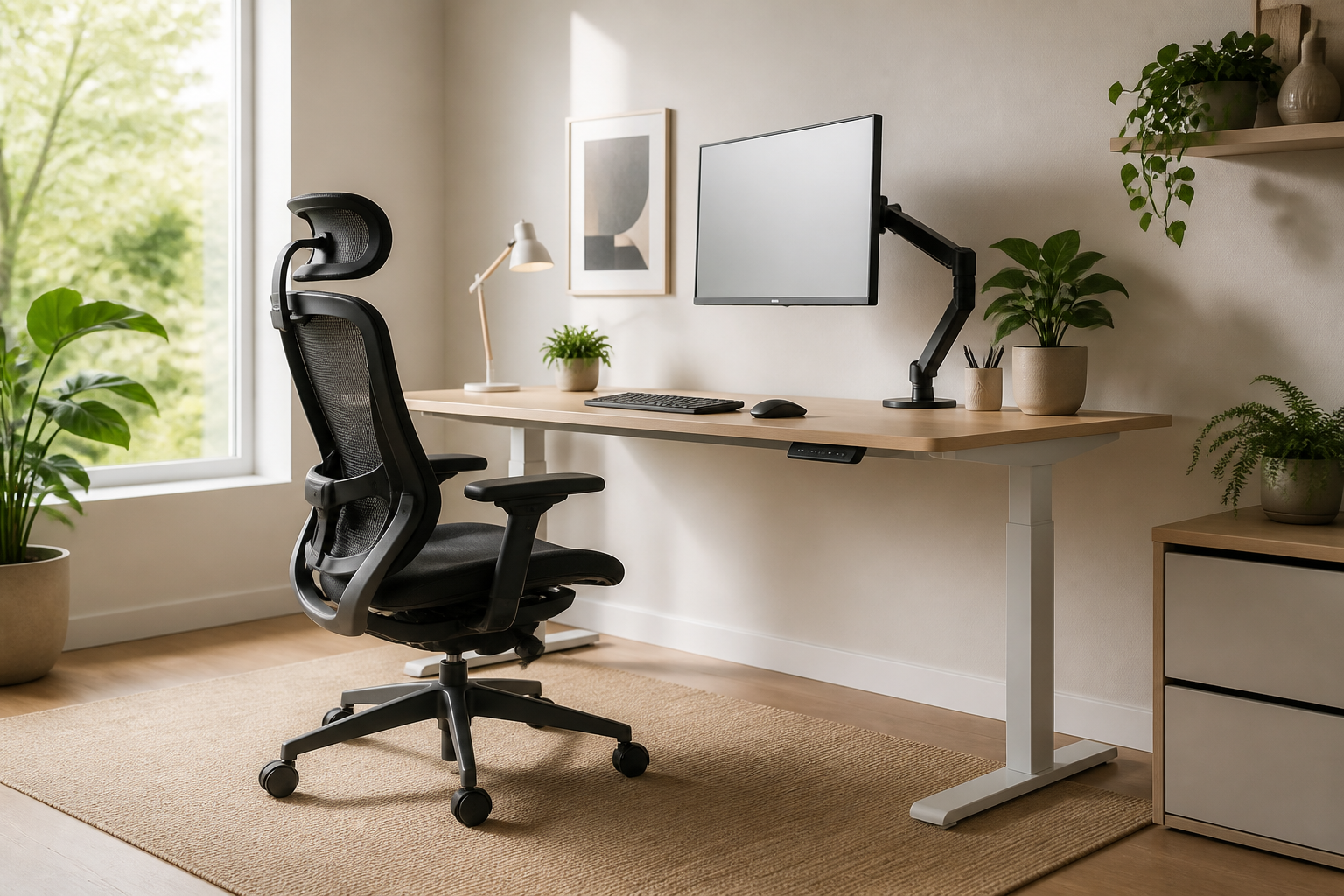
    Most advice about creating an ergonomic home office setup focuses on static posture: keeping your elbows at ninety degrees and your eyes level with the screen. While this is a great foundation, staying frozen in one position all day—no matter how correct—leads to stiffness and fatigue. True comfort lies in active ergonomics, which encourages micro-movements throughout your workday to keep your muscles engaged and blood flowing.

    Embrace Active Sitting

    An active ergonomic home office setup starts with how you sit. Instead of a traditional rigid chair, consider ergonomic chairs designed with dynamic backrests that move with you, or even active sitting stools. These stools require minor core engagements to stay balanced, preventing the slumping that naturally occurs during long typing sessions. By engaging your core, you reduce spinal pressure and keep your energy levels high.

    Master the Sit-Stand Transition

    A height-adjustable desk is a game-changer, but only if used correctly. Standing still for eight hours is just as harmful as sitting still. The key to a healthy ergonomic home office setup is alternation. Aim to transition between sitting and standing every thirty to forty-five minutes. This constant variation keeps your cardiovascular system active, relieves pressure on your lower back, and keeps your mind sharp.

    Integrate Movement Accessories

    To take your setup to the next level, incorporate tools that force subtle physical adjustments. Anti-fatigue mats with raised features encourage your feet to stretch and shift weight while standing. Alternatively, a simple balance board under your desk keeps your ankles and calves active. These small accessories ensure that your body is never truly static, making your workday feel significantly less tiring.

    Conclusion

    Designing the ultimate ergonomic home office setup isn’t about finding a single perfect position; it’s about building a space that moves with you. By investing in dynamic furniture and committing to regular posture transitions, you will protect your physical health and boost your daily productivity.

  • Sleep Better: Digital Eye Strain Prevention at Night

    Sleep Better: Digital Eye Strain Prevention at Night

    As we transition from workday productivity to evening relaxation, our screen habits change, but our exposure to blue light often remains constant. Late-night scrolling in bed or catching up on your favorite shows in a dark room can severely fatigue your eyes. Understanding how to adapt your habits for evening digital eye strain prevention is essential not only for preserving your vision but also for ensuring a deep, restorative night of sleep.

    The Nighttime Impact of Blue Light

    Our eyes are not designed to stare at bright, concentrated light sources in low-ambient environments. When you look at a screen in a dark room, your pupils dilate to let in more light, which increases the intensity of the screen’s glare. This contrast forces your eye muscles to work harder, leading to dryness, irritation, and headaches. Furthermore, blue light suppresses melatonin production, disrupting your natural circadian rhythm.

    Practical Evening Adjustments for Eye Relief

    Effective digital eye strain prevention at night starts with environmental control. First, enable the ‘night shift’ or ‘warm light’ filter on all your digital devices to reduce blue light emission. Additionally, always keep a soft ambient light source on in the room rather than using your phone in pitch darkness. This simple adjustment reduces the harsh contrast that tires your ocular muscles.

    Establishing a Screen-Free Wind Down

    To truly protect your eyes and improve sleep hygiene, establish a strict digital curfew. Aim to turn off all screens at least thirty to sixty minutes before bedtime. Instead of scrolling, try reading a physical book under warm lighting, practicing meditation, or performing simple eye relaxation techniques like ‘palming’—gently cupping your warm hands over closed eyes for a few minutes to soothe the optic nerve.

    Conclusion

    Prioritizing digital eye strain prevention during your evening routine is a powerful act of self-care. By reducing contrast glare, warming up your screen displays, and honoring a digital curfew, you give your eyes the chance to recover. Your eyes will feel refreshed in the morning, and your mind will benefit from a deeper, higher-quality sleep cycle.

  • Meeting-Friendly Desk Exercises for Remote Workers

    Meeting-Friendly Desk Exercises for Remote Workers

    Staying Active During Video Calls

    Remote work often means back-to-back virtual calls, leaving little time to step away. While standard fitness tips suggest standing up every hour, that is not always realistic when you are glued to your screen. Incorporating subtle desk exercises for remote workers during online meetings is the perfect way to stay active without losing your professional focus.

    Stealth Movements for Screen Time

    You can easily activate your lower body without anyone on the call noticing. Seated leg raises are incredibly effective: simply straighten one leg under your desk, hold for five seconds, and lower it slowly. Alternating legs helps engage your core and quadriceps. Another great option is seated calf raises, which keep blood circulating through your lower legs during long presentations.

    When you are muted or have your camera temporarily switched off, take advantage of the moment to release upper body tension. Gently roll your shoulders backward and forward to relieve stress in your trapezius muscles. Seated spinal twists are also excellent; gently turn your torso to one side while holding your chair, exhaling deeply to release tension in your lower back.

    Building Your Meeting Movement Habit

    To make these physical habits stick, associate specific movements with recurring virtual events. For example, perform gentle neck stretches while waiting for colleagues to join the link, or do seated glute squeezes during regular status updates. By stacking these desk exercises for remote workers onto your existing work calendar, active working becomes second nature.

    Conclusion

    Staying healthy at home does not require disrupting your busy workday. By integrating subtle, camera-friendly movements into your daily calls, you can boost your energy, improve your posture, and reduce overall fatigue. Embrace these quick desk exercises for remote workers to stay healthy and productive, one virtual meeting at a time.

  • Micro-Adjust Your Ergonomic Home Office Setup

    Micro-Adjust Your Ergonomic Home Office Setup

    Investing in high-quality furniture is a great first step, but a truly ergonomic home office setup requires precise fine-tuning. Many remote professionals still suffer from neck strain and fatigue because they neglect the small, micro-adjustments that make a massive difference. To unlock the full health benefits of your workspace, you need to look beyond the price tags of your furniture and focus on your body’s daily alignment.

    Perfecting Your Screen and Eye Alignment

    Your monitor position dictates your entire upper-body posture. In a proper ergonomic home office setup, the top third of your screen should sit directly at eye level when you look straight ahead. If you have to tilt your chin up or down, your neck muscles will quickly fatigue. Keep the screen about an arm’s length away, and tilt it backward slightly (about 10 to 20 degrees) to match your natural downward gaze.

    The Golden Angles for Elbows and Wrists

    Proper arm support is crucial to prevent repetitive strain injuries. Your desk and chair armrests should allow your elbows to bend at a comfortable 90-to-110-degree angle, keeping your forearms parallel to the floor. Avoid tilting your keyboard upward; a flat or slightly negative tilt is much safer for your wrists. Ensure your mouse rests close enough to your body that you do not have to stretch your arm to reach it.

    Supporting Your Feet and Lumbar Curve

    Even the best ergonomic chair won’t protect your back if your lower body is unsupported. Adjust your chair height so your feet rest flat on the floor, keeping your thighs parallel to the ground. If your feet dangle or your knees are lower than your hips, use a footrest. Additionally, position the lumbar support of your chair directly in the curve of your lower back to prevent slouching as afternoon fatigue sets in.

    Conclusion: Keep Your Setup Dynamic

    Ultimately, a perfect ergonomic home office setup is not static. Small tweaks throughout the day, combined with short standing or stretching breaks, are essential to keep your body feeling its best. By taking ten minutes to implement these micro-adjustments today, you will protect your health, boost your productivity, and get the absolute most out of your workspace investment.

  • Smart Lighting for Digital Eye Strain Prevention

    Smart Lighting for Digital Eye Strain Prevention

    As remote work and digital devices dominate our daily routines, our eyes bear the brunt of poorly optimized workspaces. While we often focus on screen time limits, the surrounding environment plays a massive role in overall digital wellness. Implementing smart lighting adjustments is a critical, yet often overlooked, strategy for digital eye strain prevention that can instantly improve your daily comfort and long-term vision health.

    Optimizing Room Brightness and Screen Contrast

    The primary culprit of eye fatigue is contrast glare. When your screen is significantly brighter than the surrounding room, your eyes must constantly adjust to the dramatic difference, causing muscular fatigue. To practice effective digital eye strain prevention, ensure your room’s ambient light matches your monitor’s brightness. Avoid working in pitch-black rooms; instead, use soft, diffused overhead lights or dimmable smart bulbs to create a balanced visual environment.

    The Right Angle: Positioning Task Lighting

    Positioning your light sources correctly is just as important as the intensity of the light itself. Direct light shining onto your screen or directly into your eyes causes harsh glare. Place desk lamps to the side of your workspace rather than directly in front of or behind your monitor. Using a monitor light bar is an excellent tool for digital eye strain prevention, as it projects light downward onto your keyboard without reflecting off the screen surface.

    Choosing the Best Color Temperature

    Light temperature dramatically affects both your sleep cycle and eye comfort. Cool, blue-toned light promotes alertness during morning hours but can strain your eyes when used late in the day. For optimal digital eye strain prevention, transition to warm, yellow-toned lighting during evening hours. Many smart lighting systems can automate this shift, aligning your workspace with your natural circadian rhythm.

    Conclusion

    Creating an eye-friendly workspace does not require expensive upgrades, just intentional adjustments to how you illuminate your environment. By balancing ambient light, positioning task lamps strategically, and adjusting color temperatures throughout the day, you can master digital eye strain prevention. Protecting your eyes is a vital pillar of digital wellness that ensures you remain focused, healthy, and productive.